Best Customer RBest Customer Relationship Management Platforms: Top Picks and How to Choose the Best One for Your Businesselationship Management Platforms: Top Picks and How To Choose the Best One for Your Business
Hannah Abouchar

The best customer relationship management (CRM) platform for your business is the one that fits your sales motion, scales with your team, and integrates cleanly with the tools your revenue team already uses.
For most B2B companies, the shortlist comes down to Salesforce for enterprise complexity, HubSpot for growth-stage teams that want marketing and sales in one place, and a newer generation of AI-native and agentic CRM platforms for teams that want the system to do more than store data.
According to Gartner, 74% of CRM users report that their CRM gives them better access to customer data, but fewer than 40% report that their CRM actively improves their win rates. The gap between data storage and commercial impact is where CRM selection and configuration decisions matter most.
This guide covers the top CRM platforms, the criteria that should drive the selection decision, and how to evaluate fit for your specific business.
What a CRM actually does and where most fall short?
A CRM is the system of record for the customer relationship: every contact, every account, every opportunity, every activity, and every outcome logged into a structured database that the revenue team can query, report on, and act from.
What a CRM does well is storage and structure: it maintains a consistent data model across the sales team, enforces a stage-based opportunity workflow, and provides the historical record that reporting, forecasting, and territory management depend on.
Where most CRMs fall short is the gap between storing information and using it to improve outcomes. A CRM that contains a complete record of every deal that has ever closed tells you what happened.
It does not tell you why it happened, which active deals are most likely to close next, which accounts the rep should be reaching out to today, or which pipeline entries are stalling in ways that the deal stage label is not surfacing.
That analytical and prescriptive layer is what revenue intelligence platforms add above the CRM. The what is revenue analytics platform guide covers how the two systems work together.
The most important evaluation question when selecting a CRM is not “which CRM has the most features?” It is “which CRM produces the cleanest foundation for the revenue intelligence and sales execution tools that will sit above it?”
How to choose a CRM: a 5-criterion framework?
Criterion 1: Sales motion fit
Different CRMs are optimized for different sales motions. A transactional SMB sales motion with short cycles, high volume, and lightweight qualification needs a CRM that is fast to navigate, easy to log, and low-friction for high-activity reps.
A complex enterprise motion with multi-stakeholder buying committees, long cycles, and sophisticated qualification frameworks needs a CRM with deep custom object support, territory management, and the pipeline inspection features that enterprise revenue leaders depend on.
Questions to ask: What is the average deal size and sales cycle length? How many contacts are typically involved in a deal? Does the team run a formal stage-based qualification framework? Are there multiple sales motions (SMB, mid-market, enterprise) that need to be managed differently in the same system?
Criterion 2: Integration depth with existing tools
The CRM is the hub that every other revenue tool connects to: the sales engagement platform, the conversation intelligence platform, the revenue intelligence platform, the marketing automation system, and the billing and customer success tools.
The depth and reliability of these integrations determine whether the CRM serves as a clean system of record or a data silo that requires manual reconciliation.
Questions to ask: What sales engagement platform does the team use? Does the CRM have a native, bidirectional integration with it? What conversation intelligence platform is in use? What marketing automation system? Does the CRM support bidirectional sync with each, or are these one-way data pushes that require maintenance?
The sales engagement tools guide covers the integration requirements for the most common sales engagement platforms.
Criterion 3: Data quality maintenance capabilities
A CRM is only as useful as the data inside it. The best CRM platforms in 2026 are moving from passive data storage to active data quality management: automatically flagging duplicate records, enriching contact and account data from integrated providers, surfacing missing required fields, and prompting reps to update stale records.
This active data quality maintenance is what produces the clean CRM foundation that AI forecasting and revenue intelligence tools depend on.
Questions to ask: Does the CRM have native duplicate detection and merge? Does it integrate with contact enrichment providers for automatic field population? Does it surface data quality issues proactively or only in retrospective reports?
The how to ensure integrity of data guide covers the data quality standards that CRM selection should be evaluated against.
Criterion 4: Reporting and forecasting capability
The CRM’s native reporting and forecasting capability determines whether the revenue operations team needs a dedicated BI tool or a specialized revenue intelligence platform for pipeline reporting.
Most enterprise CRMs provide native pipeline reporting, stage conversion analysis, and basic forecasting. The question is whether the native capability is sufficient for the organization’s reporting needs or whether it produces only the simple outputs that require a BI tool or revenue intelligence platform to make meaningful.
Questions to ask: Can the native CRM reporting produce segment-level stage conversion rates without custom SQL? Does the native forecasting tool support AI-adjusted probability scoring or only flat stage-based probability? Can territory-level forecasting with rollup to company level be produced natively?
The methods for forecasting guide covers what CRM-native forecasting can and cannot produce and where dedicated forecasting platforms add value.
Criterion 5: AI and agentic capability roadmap
The CRM category is transforming rapidly. The platforms that were leading on feature completeness two years ago are now being differentiated by their AI and agentic capabilities: which platforms are deploying agents that take actions within the CRM workflow rather than just surfacing information.
Which are incorporating large language models into their record enrichment and follow-up generation workflows, and which are maintaining a static feature roadmap while competitors move toward autonomous execution.
Questions to ask: What specific AI agent capabilities does the platform offer today, not in a future roadmap? Which workflows can agents execute autonomously versus which require human approval? How does the platform handle agent actions that produce errors or edge cases?
The agentic crm guide covers the agentic CRM category and the specific capabilities that distinguish genuine agent functionality from AI-labelled automation.
The top CRM platforms: profiles, strengths, and best-fit scenarios
1. Salesforce Sales Cloud
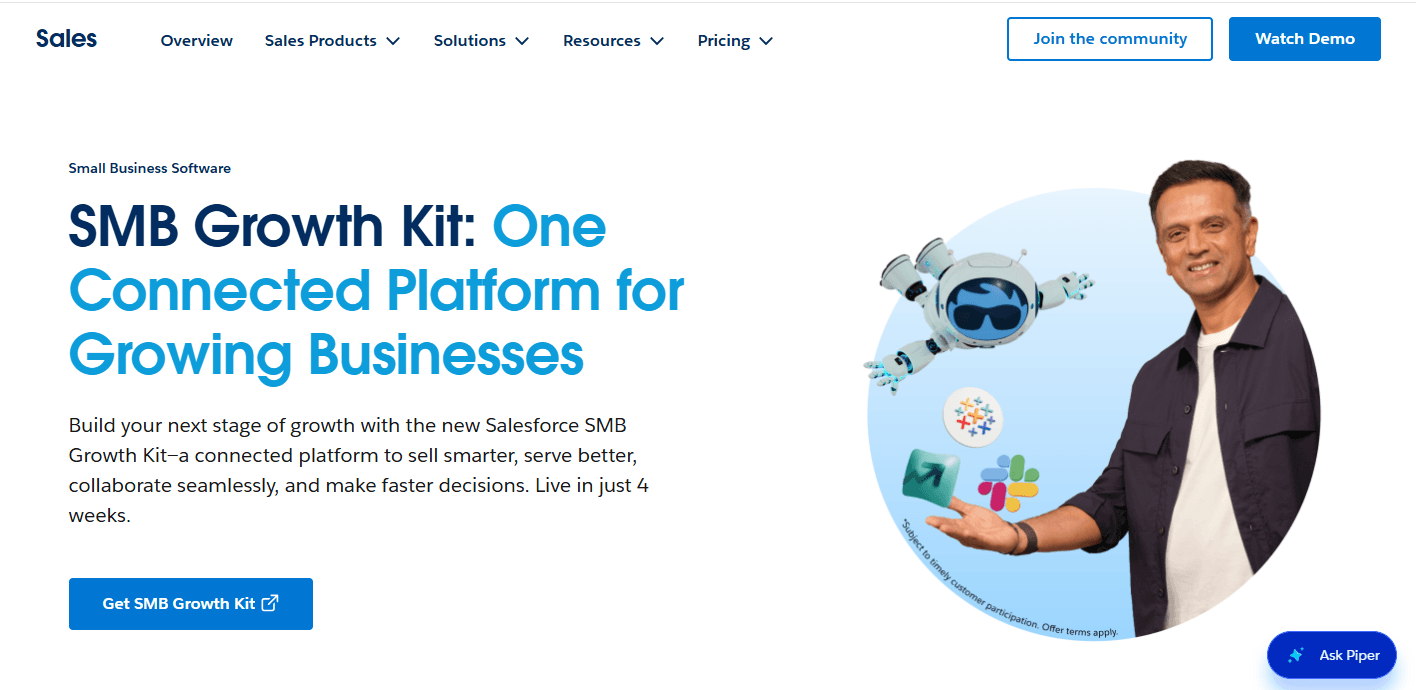
Salesforce is the market-leading CRM by enterprise adoption, with the deepest feature set, the broadest integration ecosystem, and the most extensive third-party app marketplace (AppExchange) of any CRM platform.
For large enterprises with complex sales motions, custom data requirements, and large Salesforce administration teams, it is the standard against which other enterprise CRMs are measured.
Key strengths:
Deepest custom object and custom field support of any CRM: virtually any data structure can be modeled in Salesforce
Territory management 2.0 with hierarchical territory rules, quota allocation, and forecast rollup
Salesforce Agentforce for AI agent workflow automation within the Salesforce environment
AppExchange ecosystem with thousands of pre-built integrations and add-ons
Einstein AI for opportunity scoring, activity capture, and pipeline prediction
Revenue Cloud for CPQ, billing, and subscription revenue lifecycle management
Industry-specific Clouds (Financial Services, Healthcare, Manufacturing) with pre-built data models
Limitations:
Implementation complexity: a full Salesforce deployment with customization typically requires 6 to 18 months and significant consulting investment
Ongoing administration: Salesforce requires at least one dedicated Salesforce admin per 50 to 100 users to maintain effectively
Cost: licensing plus implementation plus ongoing administration produces one of the highest total cost of ownership profiles in the CRM category
User experience: Salesforce’s depth creates UI complexity that produces lower rep adoption rates than simpler CRMs unless training is sustained
Not viable as a standalone analytics platform: most Salesforce customers require Clari, Gong, or a dedicated BI tool for sophisticated pipeline analytics
Best for:
Enterprise organizations with 100-plus quota-carrying reps, complex multi-product and multi-territory sales motions, significant CPQ requirements, and the internal or external Salesforce expertise to implement and maintain the platform at its full capability.
Pricing:
Starter at $25/user/month; Professional at $80/user/month; Enterprise at $165/user/month; Unlimited at $330/user/month. Revenue Cloud, Agentforce, and industry-specific Clouds are additional.
The salesforce alternatives guide covers the alternatives that are worth evaluating before committing to a Salesforce deployment.
2. HubSpot CRM
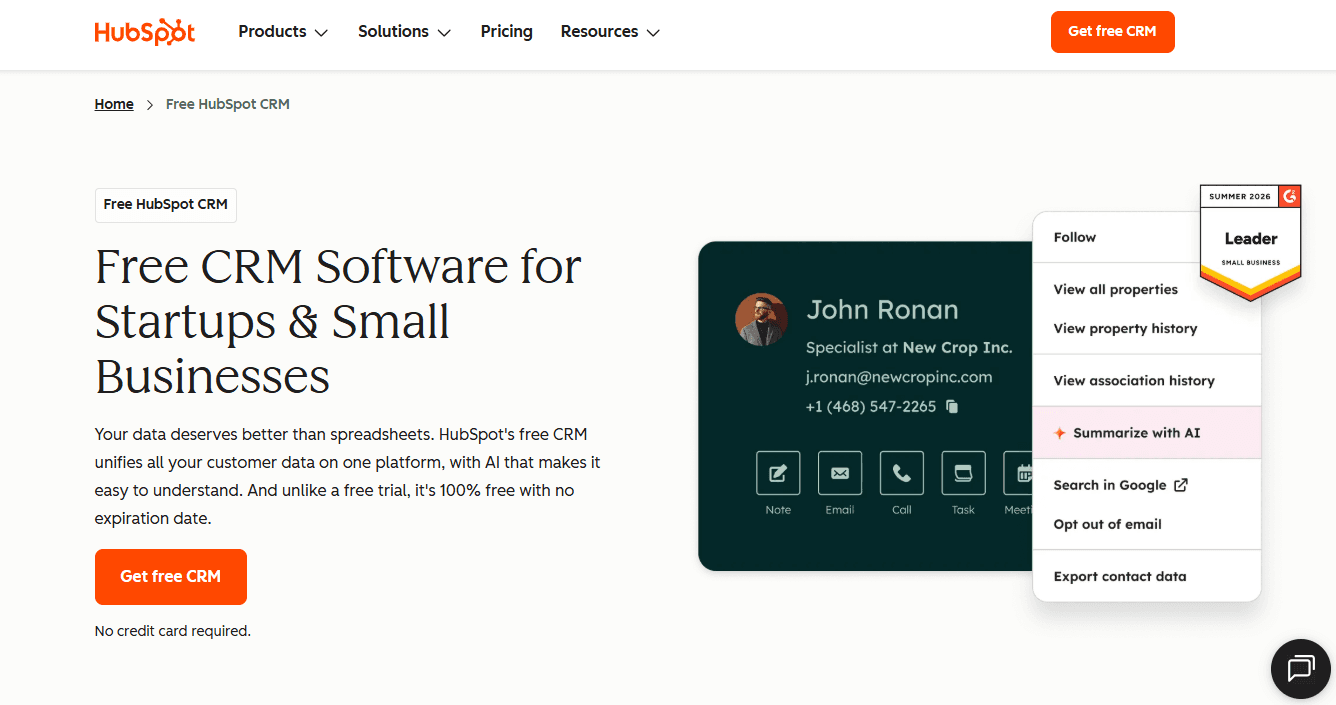
HubSpot is the leading CRM for growth-stage B2B companies that want marketing and sales in a single platform without the implementation complexity of Salesforce.
It is designed for teams that need to move fast, want their marketing automation and CRM tightly connected, and prefer a user experience that reps adopt without extensive training.
Key strengths:
Unified marketing, sales, service, and operations hub in a single platform with native data sharing across functions
Best-in-class marketing automation integrated natively with the CRM (email marketing, landing pages, forms, lead scoring, and nurture sequences in one system)
HubSpot AI for deal scoring, email drafting, call summarization, and workflow recommendations
Operations Hub for data quality automation, bidirectional data sync across platforms, and programmable automation
Accessible onboarding: most growth-stage teams are using the platform productively within 30 to 60 days
Free CRM tier with meaningful capability; paid tiers add depth progressively as the team scales
Strong reporting and attribution for marketing-to-revenue traceability
Limitations:
Less customizable than Salesforce for highly complex data models or unusual sales process requirements
Territory management is basic relative to Salesforce for organizations with large, hierarchical territory structures
Enterprise-scale rep count (150-plus) produces friction that HubSpot’s architecture was not originally designed for, though it has improved significantly
CPQ and billing capabilities are less mature than Salesforce Revenue Cloud
Best for:
Series A through Series C B2B companies with 10 to 100 quota-carrying reps, an inbound marketing motion alongside outbound sales, and a preference for a unified platform that does not require a dedicated admin team or a 12-month implementation.
The hubspot alternatives guide covers the alternatives for teams that have evaluated HubSpot and are looking for a different fit.
Pricing:
Free CRM with limited features; Sales Hub Starter at $15/user/month; Professional at $90/user/month; Enterprise at $150/user/month.
3. Microsoft Dynamics 365 Sales
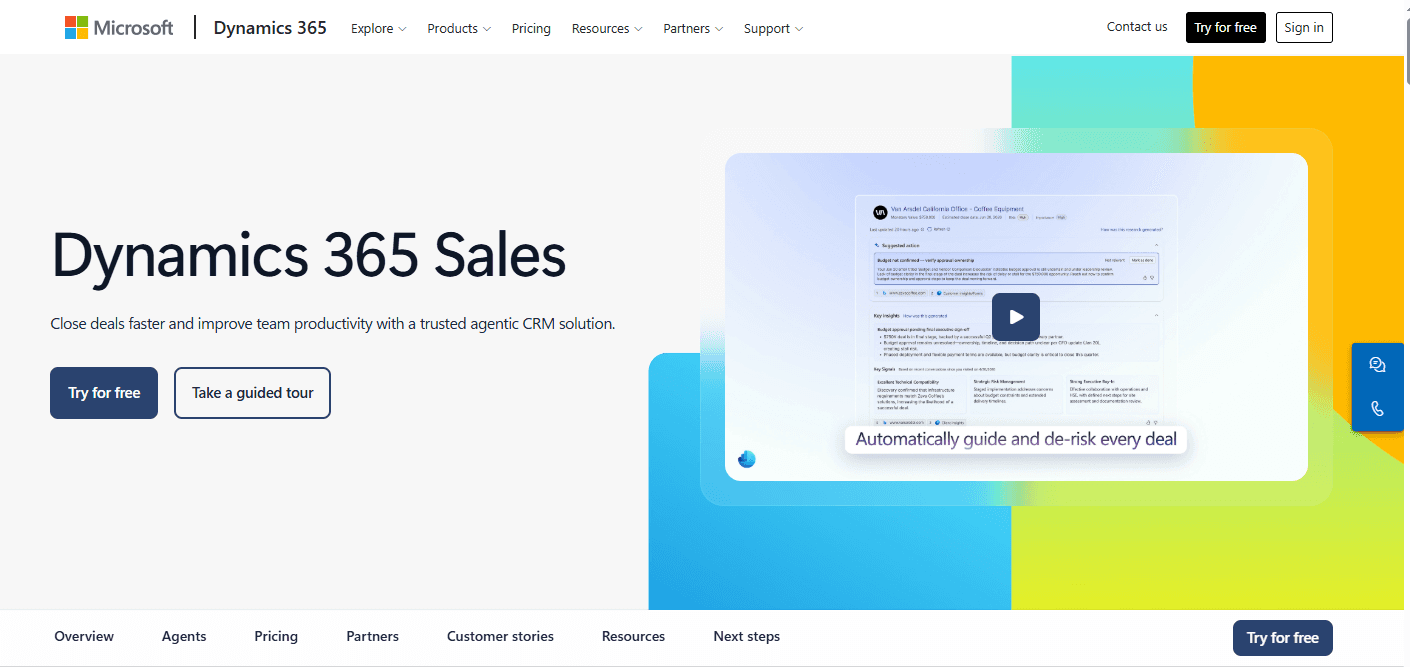
Microsoft Dynamics 365 is the enterprise CRM for organizations running Microsoft infrastructure: Azure, Teams, Outlook, and the broader Microsoft 365 ecosystem. Its native integration with the Microsoft stack produces advantages for Microsoft-committed organizations that no third-party integration with Salesforce or HubSpot can replicate.
Key strengths:
Native integration with Microsoft Teams for sales collaboration, meeting recording, and pipeline review within the Teams interface
Outlook integration that captures email and calendar activity automatically without rep data entry
Microsoft Copilot AI embedded across Dynamics 365 for deal insights, email drafting, and meeting summaries
Power Platform integration (Power BI, Power Automate, Power Apps) for custom reporting, workflow automation, and application development without a separate developer resource
Licensing synergy with existing Microsoft 365 Enterprise agreements that reduces the incremental cost relative to Salesforce
Limitations:
Lower brand recognition and partner ecosystem than Salesforce, which limits the pool of implementation consultants and AppExchange-equivalent integrations
User experience has historically lagged Salesforce and HubSpot in usability, though Copilot AI integrations are improving this
Best value realized when the organization is deeply committed to the Microsoft stack; less advantageous for organizations with mixed cloud infrastructure
Best for:
Enterprise organizations that have already committed to Microsoft 365 and Azure as their primary infrastructure and want to avoid the incremental cost and integration overhead of a non-Microsoft CRM.
Pricing:
Dynamics 365 Sales Professional at $65/user/month; Enterprise at $95/user/month; Premium at $135/user/month.
4. Pipedrive
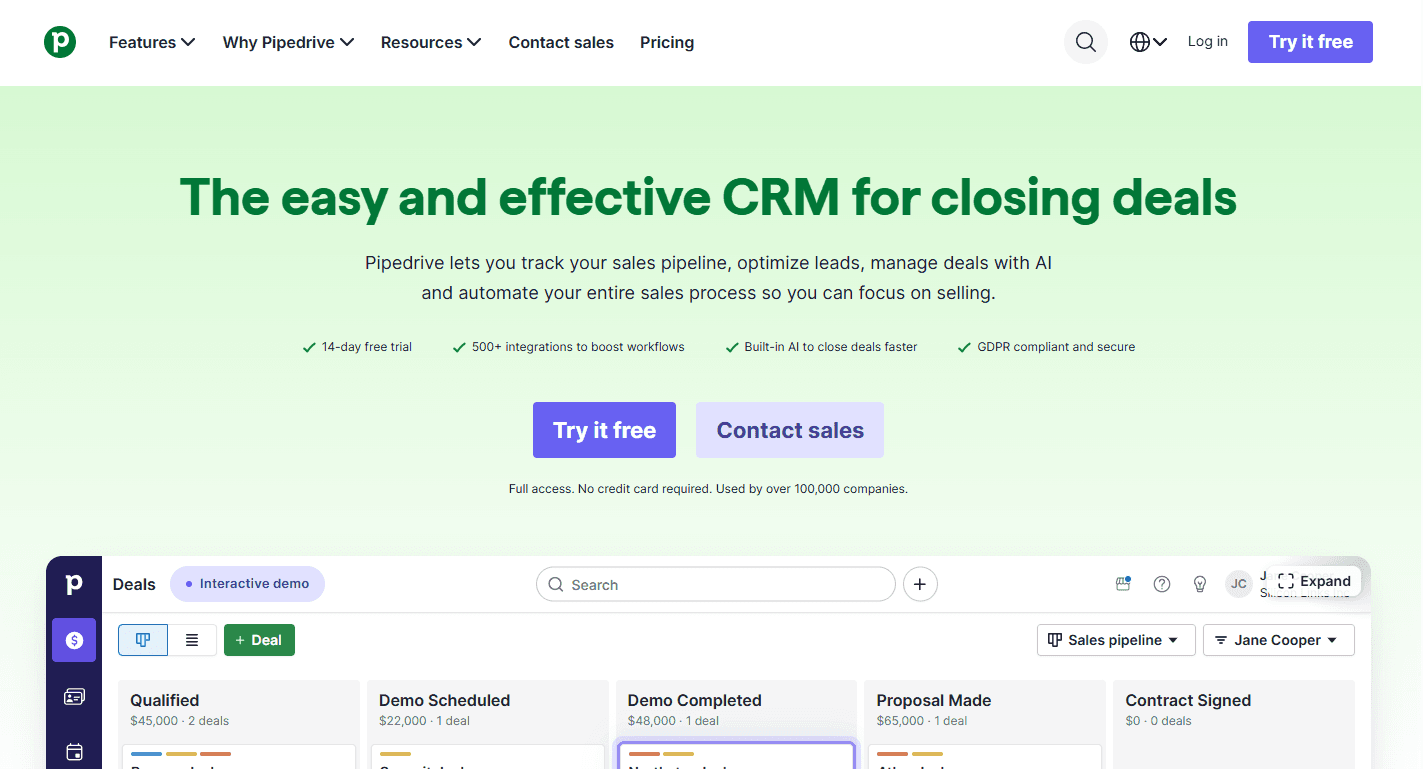
Pipedrive is a sales-focused CRM designed for the sales practitioner rather than the CRM administrator. Its visual pipeline interface, lightweight setup, and rep-centric UX produce high adoption rates among smaller sales teams that want a CRM that gets out of the way rather than demanding administrative overhead.
Key strengths:
Visual pipeline board that makes deal stage management intuitive and fast for reps
Fast implementation: most small teams are operational within a week
AI sales assistant that surfaces actionable deal recommendations and activity suggestions within the interface
Strong email integration with automatic email-to-deal association
Good value for small to mid-size teams that do not need enterprise-grade customization
Limitations:
Customization ceiling: complex multi-product sales motions, sophisticated territory management, and enterprise-grade reporting require supplementation with external tools
Less mature AI and agentic capability than HubSpot or Salesforce
Not appropriate for organizations with more than 50 to 75 reps without significant tooling additions
Best for:
Small B2B sales teams (5 to 30 reps) with straightforward sales processes that want a fast-to-deploy, easy-to-use CRM without administrative complexity.
Pricing:
Essential at $14/user/month; Advanced at $29/user/month; Professional at $49/user/month; Power at $64/user/month; Enterprise at $99/user/month.
5. Zoho CRM
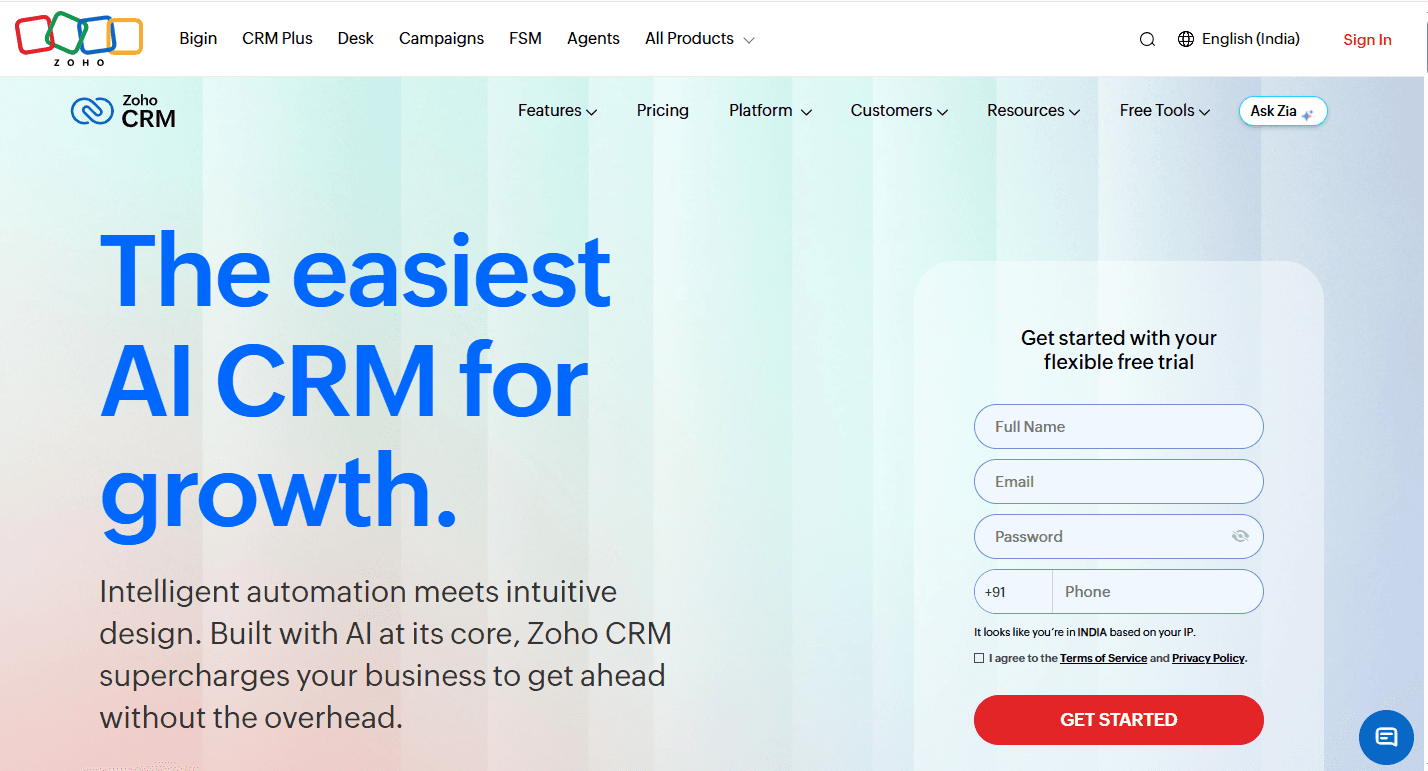
Zoho CRM is the value-tier enterprise CRM with a broad feature set at a significantly lower price point than Salesforce.
It is part of the broader Zoho suite of business applications, which creates native integration advantages for organizations that adopt multiple Zoho products.
Key strengths:
Significantly lower price point than Salesforce at comparable feature depth for standard CRM workflows
Zia AI for deal prediction, anomaly detection, and email sentiment analysis
Zoho suite integration (Zoho Books, Zoho Desk, Zoho Campaigns) for organizations that want a unified Zoho ecosystem
Canvas customization for building branded, role-specific CRM views without code
Blueprint process automation for enforcing structured sales processes with field validation and stage exit criteria
Limitations:
Integration ecosystem is less mature than Salesforce AppExchange for niche or enterprise-specific tools
Implementation quality and support experience varies significantly by implementation partner
Less recognized in enterprise procurement contexts than Salesforce or Microsoft Dynamics
Best for:
Mid-market organizations that need enterprise-grade CRM capabilities at a lower cost and are open to a Zoho ecosystem approach.
Pricing:
Standard at $14/user/month; Professional at $23/user/month; Enterprise at $40/user/month; Ultimate at $52/user/month.
6. Rox (with CRM integration)
Rox is an AI-powered revenue agent platform that sits above the CRM as the intelligence and execution layer.
It connects to Salesforce, HubSpot, and other CRMs as the system of record, adds continuous account signal monitoring and autonomous outreach generation, and produces the pipeline intelligence that standard CRM reporting cannot generate.
For teams evaluating whether to add a revenue intelligence and agent platform on top of their existing CRM, Rox is the category leader for pipeline generation and pipeline management intelligence.
Key strengths:
Continuous monitoring of the external account universe for buying signals without manual review cadence
Signal-triggered autonomous outreach generation calibrated to the specific buying event
Real-time deal scoring updated from CRM engagement signals with automated stall detection
Stage-weighted pipeline forecasting with rolling 13-week coverage view
ICP signal weight recalibration from closed-won data on a quarterly cadence
CRM-agnostic: integrates with Salesforce, HubSpot, and other CRM platforms as the intelligence layer
Best for:
Revenue teams that have an existing CRM and want to add the pipeline generation, deal intelligence, and pipeline management capabilities that the CRM alone cannot provide.
Pricing:
Contact Rox for enterprise pricing. The how to build a revenue operating system guide covers how Rox integrates with the CRM as part of a connected revenue system.
CRM comparison table
Platform | Best for | AI and agent capability | Integration ecosystem | Implementation timeline | Starting price |
|---|---|---|---|---|---|
Salesforce Sales Cloud | Enterprise, complex motions, large teams | Agentforce (strong), Einstein AI | Largest (AppExchange) | 6 to 18 months | $25/user/month |
HubSpot CRM | Growth-stage, marketing-sales unity, fast deployment | HubSpot AI (improving), native automation | Strong, growing | 30 to 60 days | Free; paid from $15/user/month |
Microsoft Dynamics 365 | Microsoft-committed enterprises | Copilot AI (strong), Power Platform | Microsoft ecosystem | 3 to 12 months | $65/user/month |
Pipedrive | Small teams, simple motions, rep-first UX | AI assistant (basic) | Moderate | Under 1 week | $14/user/month |
Zoho CRM | Mid-market, value-conscious, Zoho ecosystem | Zia AI (moderate) | Zoho ecosystem | 2 to 6 weeks | $14/user/month |
Rox (intelligence layer) | Pipeline generation and management on top of existing CRM | Revenue agent (core capability) | CRM-agnostic | 2 to 4 weeks | Contact for pricing |
CRM evaluation checklist
Before signing a CRM contract, confirm the answers to the following questions from a vendor demonstration or trial, not from a sales pitch.
Data model:
Can we create custom objects for the specific entities our sales motion requires?
Can we enforce required field completion at stage advancement?
Does the platform support the contact-to-account hierarchy our territory model requires?
Integration:
Is the integration with our sales engagement platform native and bidirectional?
Does the CRM automatically capture email and calendar activity without manual rep entry?
Can enriched data from ZoomInfo or Apollo flow into the CRM without manual import?
Reporting:
Can we produce stage conversion rates by segment natively without a BI tool?
Does the native forecasting support AI-adjusted probability or only flat stage percentages?
Can territory-level pipeline reports roll up to region and company level automatically?
AI and agent capability:
What specific agent actions are available today (not roadmap)?
Which actions require human approval and which can run autonomously?
How does the platform handle data quality issues that produce incorrect agent actions?
Implementation and support:
What is the realistic timeline to go-live for a team of our size?
What is included in the implementation support at the selected pricing tier?
What does the admin burden look like at 12 months post-deployment?
How AI is changing CRM selection in 2026?
The most consequential shift in the CRM category in 2026 is the move from passive system of record to active revenue participant.
The platforms that are gaining adoption are those where the CRM is doing things, not just storing things: routing leads, enriching records, generating follow-ups, detecting stalls, and escalating risks without waiting for the rep to navigate between screens.
This shift is changing the CRM selection calculus in a specific way: the native data storage and workflow management capability of most major CRMs is now roughly equivalent above the SMB tier.
The differentiation that matters is in the AI layer. Which platform’s agents are most capable, most accurate, and most tightly integrated with the CRM data model they are reading from? Which platforms allow custom agent configuration that matches the specific sales motion rather than generic out-of-the-box playbooks?
For organizations evaluating CRMs in 2026, the AI and agentic capability assessment should carry at least as much weight as the feature checklist and the pricing comparison.
A CRM that is excellent at data storage but has a weak AI layer will require significant supplementation from point solutions. A CRM with a strong AI layer that reduces the number of supplemental tools required may produce a lower total cost of ownership despite a higher per-seat license cost.
The best ai sales agents guide covers the agent capability landscape across CRM and standalone platforms.
Conclusion
Rox does not replace the CRM. It connects to Salesforce, HubSpot, and other CRMs as the system of record and adds the intelligence and execution layer that the CRM alone cannot provide: continuous account signal monitoring, signal-triggered autonomous outreach, real-time deal health scoring, and rolling pipeline forecasting with coverage gap alerts.
For organizations selecting a CRM, Rox’s CRM-agnostic integration architecture means the CRM decision is independent of the Rox deployment decision. Whether the organization uses Salesforce, HubSpot, or another CRM, Rox integrates with the CRM record as the foundation and adds its intelligence capabilities above it.
For organizations that are already running a CRM and want to improve pipeline generation velocity, deal management quality, and forecast accuracy without replacing their CRM, Rox is the intelligence layer that connects to the existing CRM and produces the commercial outcomes that CRM-native reporting and basic automation cannot generate.
For revenue leaders building the full revenue technology stack from CRM through revenue intelligence through agentic execution, Rox’s revenue intelligence best practices and design your revenue system resources cover the full architecture of a connected CRM and revenue intelligence deployment.
To see how Rox integrates with leading CRM platforms to generate pipeline and manage deals for enterprise revenue teams, explore the platform’s account intelligence and revenue agent capabilities.
FAQ
What is the best CRM for B2B sales teams?
The best CRM for B2B sales depends on company size, sales motion complexity, and tech stack context. Salesforce is the standard for large enterprises with complex multi-product and multi-territory sales motions. HubSpot is the strongest for growth-stage companies that want marketing and sales in one platform. Microsoft Dynamics 365 is best for organizations committed to the Microsoft ecosystem.
What is the difference between a CRM and a revenue intelligence platform?
A CRM is a system of record: it stores contact, account, opportunity, and activity data and provides a structured workflow for the revenue team. A revenue intelligence platform reads from the CRM and other data sources, applies AI models to the connected data, and produces insights that improve commercial decisions: deal risk signals, pipeline coverage analysis, forecast accuracy, and account prioritization.
How long does a CRM implementation take?
CRM implementation timelines vary significantly by platform and team size. Pipedrive can be operational for a small team in under a week. HubSpot typically requires 30 to 60 days for a growth-stage team with standard workflows. Salesforce implementations for mid-market organizations with customization typically take 3 to 6 months.
What should I look for in a CRM for an enterprise sales team?
For enterprise sales teams, the most important CRM capabilities are: deep custom object support for modeling the complex data relationships that enterprise sales motions require, territory management with hierarchical quota allocation and forecast rollup, sophisticated opportunity stage management with field-level entry and exit criteria, AI-powered probability scoring that goes beyond flat stage percentages.
How do I know when to replace my CRM?
Signs that a CRM replacement is worth evaluating include: consistent rep adoption below 70% despite training investment, CRM data quality that produces unreliable pipeline reports and forecasts, significant workflow gaps that require manual workarounds for standard sales activities, integration failures with critical tools in the revenue stack, and an AI and agent capability roadmap that is significantly behind the market.
Similar Articles
We build with the best to make sure we exceed the highest standards and deliver real value.


