13 Best Productivity Tools for Fast-Moving Teams 2026
Leah Clapper

The best productivity tools for fast-moving teams in 2026 are organized across seven categories: AI assistants (ChatGPT, Claude), team communication (Slack, Loom), project management (Notion, Linear), meeting intelligence (Granola, Fireflies.ai), workflow automation (Zapier, Make), email productivity (Superhuman), and revenue team productivity (Rox Data Corp).
Fast-moving teams lose the most time not to laziness but to context-switching, information fragmentation, and manual work that AI can now handle autonomously.
According to McKinsey, knowledge workers spend 61% of their time on work about work: searching for information, attending status meetings, managing email, and coordinating across tools.
The right productivity stack eliminates as much of that overhead as possible and concentrates human time on the judgment-intensive work that produces outcomes.
This blog covers how to evaluate productivity tools by team function, the best platform in each category, and how AI is fundamentally changing what productivity means in 2026.
What makes a team fast-moving?
A fast-moving team is not one that works more hours or moves faster for its own sake. It reduces the time between a decision and its execution, between information and action, and between identifying a problem and resolving it.
Speed in the right places produces compounding advantages; speed without discipline produces compounding chaos.
The three properties that distinguish genuinely fast-moving teams from merely busy ones:
Low coordination overhead.
The time spent communicating about work versus doing work is minimized. Decisions are made with the right information by the right people without requiring five meetings and twelve email threads.
The structured sales engagement discipline that high-performing revenue teams apply to buyer interactions reflects the same principle: defined processes that reduce the coordination overhead of deciding what to do next.
High signal-to-noise ratio.
Team members receive the information they need to make good decisions and take effective action, without being buried in notifications, status updates, and low-priority communications that compete with high-value work for attention.
A tool that generates more notifications than insights is a productivity liability, not an asset.
Short feedback loops.
Teams that learn quickly from results and adapt their approach produce better outcomes than those that execute long plans without feedback checkpoints. Short feedback loops require tools that surface results quickly, connect actions to outcomes, and make performance visible without requiring manual data assembly.
The productivity tools that produce the most measurable impact are those that address coordination overhead, signal quality, and feedback loop speed simultaneously.
Tools that optimize only one dimension (for example, a communication tool that reduces email volume but increases Slack noise) often produce zero-sum results.
How to evaluate productivity tools?
Before assessing individual tools, establish the evaluation criteria that matter for your specific team context.
The following framework reduces the tool selection decision to four dimensions.
Integration with the existing stack.
A productivity tool that does not integrate with the systems your team already uses creates a new coordination overhead rather than reducing the existing one.
Evaluate integration depth (does it read and write bidirectionally, or only push data in one direction?) rather than integration existence (do they list your systems on their integrations page?).
Adoption friction.
A tool that takes weeks to learn does not produce productivity gains for months after adoption. Evaluate not just the feature set but the time-to-value: how quickly does a new team member reach productive use?
Tools with low adoption friction produce faster ROI and higher sustained adoption rates than complex tools that require training investment before they become useful.
Automation ceiling.
As agentic AI systems become standard, the most valuable productivity tools are those that can automate an increasing proportion of the routine work within their category. Evaluate whether a tool’s automation capability will expand significantly over the next 12 to 24 months, or whether its automation model is static.
Total cost of ownership.
Published per-seat pricing is a starting point, not a complete picture. Add the cost of implementation time, the ongoing administration overhead, the adjacent tools required to make the primary tool useful, and the switching cost if the tool needs to be replaced.
A tool priced at $30 per user per month that requires a dedicated administrator to maintain is significantly more expensive than its list price suggests.
Quick Comparison by Category
Tool | Category | Best For | Starting Price |
|---|---|---|---|
Rox Data Corp | Revenue team productivity | Full revenue cycle intelligence and AI agents | Contact for pricing |
ChatGPT (GPT-4o) | AI assistant | General-purpose writing, research, and reasoning | Free; Plus at $20/month |
Claude (Anthropic) | AI assistant | Long-document analysis, nuanced writing, coding | Free; Pro at $20/month |
Slack | Team communication | Async team messaging and app integrations | Free; Pro at $7.25/user/month |
Loom | Async video | Async video communication and walkthroughs | Free; Business at $12.50/user/month |
Notion | Project management | Flexible docs, wikis, and project tracking | Free; Plus at $10/user/month |
Linear | Project management | Engineering and product team issue tracking | Free; Standard at $8/user/month |
Granola | Meeting intelligence | AI-powered meeting notes and action items | Free; Pro at $18/month |
Fireflies.ai | Meeting intelligence | Meeting recording, transcription, and search | Free; Pro at $10/user/month |
Zapier | Workflow automation | No-code multi-app workflow automation | Free; Starter at $19.99/month |
Make | Workflow automation | Visual workflow automation with complex logic | Free; Core at $9/month |
Superhuman | Email productivity | High-volume professional email management | $30/user/month |
Category 1: Revenue Team Productivity
Rox Data Corp
For revenue teams, generic productivity tools solve only part of the problem. A team that communicates faster and manages projects more efficiently but still loses deal intelligence to fragmented systems, still manually updates CRM records after every call, and still discovers pipeline risk in the Friday pipeline review rather than the Tuesday it became apparent is not genuinely more productive.
It is performing the same revenue process with a better communication layer on top.
Rox is built specifically for the productivity challenges of revenue teams: the revenue intelligence platform that eliminates the manual information gathering, data entry, and pipeline monitoring work that currently consumes the time of sales reps, managers, and revenue operations teams.
Rox agents continuously capture deal signal data from calls, emails, and stakeholder interactions, automatically update CRM records, surface pipeline risk before it becomes pipeline loss, and prioritize the accounts and deals that deserve human attention right now.
For a fast-moving revenue team, the productivity gain from Rox is not marginal efficiency in a task that already works reasonably well. It is the recovery of the hours that reps currently spend on CRM data entry, pre-call research, post-call note cleanup, and the manual monitoring of deal health signals that is currently done (if at all) in weekly pipeline review meetings rather than in real time.
Key Features
Automated CRM data capture from every call and email, eliminating manual field entry
Real-time deal signal monitoring that surfaces risk and opportunity continuously
Revenue agent automation for outreach, qualification, and pipeline maintenance
Stakeholder engagement tracking across every active opportunity
AI-powered revenue forecasting grounded in engagement signals rather than rep-entered fields
Pre-call intelligence briefings that give reps full account context before every conversation
Pipeline gap detection that identifies coverage shortfalls before end-of-quarter sprint is required
Pros
Directly addresses the highest-cost productivity drain for revenue teams: manual data work and reactive pipeline management
Revenue agents automate the execution tasks that consume SDR and AE time without requiring human initiation of each action
Signal-based forecasting replaces the spreadsheet-reconciliation work that finance and revenue operations teams perform before every forecast call
Integrates the intelligence and execution layers that most teams currently manage through separate tools (conversation intelligence, CRM, revenue forecasting) in a single platform
Cons
Best suited to teams with an established sales process and CRM discipline; teams without these foundations get less value from the intelligence layer
Contact-for-pricing model requires a sales conversation before cost can be evaluated
Most effective as a full-platform deployment rather than a single-use-case adoption
Price
Contact Rox for current pricing.
Best For
Mid-market and enterprise B2B revenue teams that want to recover the 60 to 70% of sales time currently spent on non-selling activities through AI-powered data capture, pipeline monitoring, and revenue agent automation.
Category 2: AI Assistants
ChatGPT (OpenAI)
ChatGPT is the most widely adopted general-purpose AI assistant in the world, used by fast-moving teams for everything from first-draft writing and research synthesis to code generation, data analysis, and workflow problem-solving. GPT-4o, the current flagship model, handles text, images, files, and voice input in a single interface, making it the most versatile AI assistant available for day-to-day knowledge work.
For fast-moving teams, ChatGPT’s primary productivity value is the elimination of the blank-page problem: it converts rough inputs into polished first drafts, structured analyses, and executable plans faster than any individual contributor working alone.
The quality ceiling of ChatGPT output is high enough for most business communication, research synthesis, and code generation use cases without requiring significant post-editing.
Key Features
GPT-4o for text, image, file analysis, and voice input in a unified interface
GPT-4 with browsing for real-time web research and current information retrieval
Code Interpreter for data analysis, chart generation, and file processing
Custom GPTs for team-specific workflows and knowledge bases
API access for product and workflow integration
ChatGPT Team and Enterprise tiers with shared workspaces, SSO, and data privacy controls
Pros
Most versatile general-purpose AI assistant available: text, code, data, images, and voice in one platform
Custom GPT capability allows teams to build reusable AI tools trained on their specific knowledge and processes
Largest model ecosystem and third-party integration library of any AI assistant platform
Team and Enterprise tiers provide the data privacy and governance controls that business use requires
Cons
Quality varies by task type: excellent for writing and code, less reliable for precise factual recall and complex multi-step reasoning without careful prompting
Context window is large but not unlimited: very long documents require chunking strategies that add friction
Team collaboration features are more limited than dedicated collaboration tools
Cost at team scale (ChatGPT Team at $25/user/month) can accumulate quickly across a large organization
Price
Free (GPT-3.5 access). ChatGPT Plus at $20/month. ChatGPT Team at $25/user/month. Enterprise pricing custom.
Best For
Teams across all functions that want a versatile, high-quality AI assistant for writing, research, code generation, data analysis, and workflow acceleration as a daily productivity layer.
Claude (Anthropic)
Claude is Anthropic’s AI assistant, consistently rated by practitioners as producing the most nuanced, natural-language output of the leading AI models.
Claude’s primary differentiators from ChatGPT are long-document analysis (Claude 3.5 Sonnet supports a 200,000-token context window), code quality, and analytical and strategic writing that require sophisticated reasoning rather than simple generation.
For fast-moving teams, Claude is often the preferred tool for the tasks where writing quality and analytical depth matter most: executive communications, strategic memos, complex code reviews, and the synthesis of large document sets that exceed ChatGPT’s practical working window.
Many teams use both ChatGPT and Claude: ChatGPT for volume output and versatile task coverage; Claude for the highest-stakes written deliverables.
Key Features
Claude 3.5 Sonnet and Claude 3 Opus for high-quality text generation and analysis
200,000-token context window for long-document analysis (full contracts, codebases, research papers)
Artifacts feature for generating and iterating on documents, code, and presentations in-context
Projects feature for maintaining persistent context across work sessions with team file uploads
Claude for Work (Teams and Enterprise) with SSO, admin controls, and data privacy protections
API access for product and workflow integration
Pros
Best-in-class long-document analysis: can process and reason across documents too large for most competing models
Writing quality for complex analytical and strategic content is consistently rated above alternatives
Projects with persistent memory allows teams to maintain context across sessions without re-loading background documents
Strong coding capability, particularly for code review, refactoring, and explanation
Cons
No native web browsing (as of mid-2026) limits real-time research capability compared to ChatGPT with browsing
Slightly more limited third-party integration ecosystem than ChatGPT
Image generation is not natively available within Claude (requires separate tools)
Enterprise pricing is comparable to ChatGPT Enterprise but requires a separate evaluation to determine fit
Price
Free (Claude 3.5 Haiku access). Pro at $20/month. Team at $25/user/month. Enterprise pricing custom.
Best For
Teams with high standards for written output quality, long-document analysis requirements (legal, research, strategy), and complex coding tasks where output nuance and context depth matter more than volume throughput.
Category 3: Team Communication
Slack
Slack is the dominant team communication platform for fast-moving organizations, used by more than 20 million daily active users across technology, finance, media, and professional services organizations.
Its channel-based messaging structure, deep integration ecosystem (2,400+ app integrations), and increasingly powerful AI layer (Slack AI) make it the operational communication hub for most knowledge-work teams.
For fast-moving teams, Slack’s productivity value is in replacing the high-latency, high-noise communication patterns of email for internal coordination: shorter messages, faster responses, topic-organized conversations, and integrations that bring relevant information into the channel where decisions are being made.
Key Features
Channel-based messaging organized by team, project, or topic
Threads for focused sub-conversations within channels
Slack AI for channel and thread summarization, search, and workflow assistance
2,400+ app integrations including Salesforce, GitHub, Jira, Notion, and Google Workspace
Huddles for lightweight audio and video conversations without formal meeting overhead
Workflow Builder for no-code automation of recurring communication and approval workflows
Canvas for collaborative document creation within the Slack workspace
Pros
Industry-standard platform with near-universal adoption in technology-adjacent organizations, reducing the friction of cross-company and cross-team communication
Integration ecosystem is unmatched: most tools a fast-moving team uses have a Slack integration that surfaces relevant notifications and actions in-channel
Slack AI’s channel summarization dramatically reduces the time spent catching up on missed conversations
Huddles provide a lower-overhead alternative to Zoom calls for quick synchronous communication
Cons
Notification volume can become a productivity liability if channel discipline and notification settings are not actively managed
Search quality over long time horizons is limited on the free tier; older message history requires paid access
The free tier’s 90-day message history limit is a significant constraint for teams that need to reference prior decisions
Can create an always-on communication culture that competes with focused work time if norms are not explicitly established
Price
Free (90-day message history, 10 integrations). Pro at $7.25/user/month. Business+ at $12.50/user/month. Enterprise Grid custom pricing.
Best For
Teams of any size that need a fast, organized, integration-rich communication platform as the operational hub for internal coordination. Near-universal choice for technology and SaaS organizations.
Loom
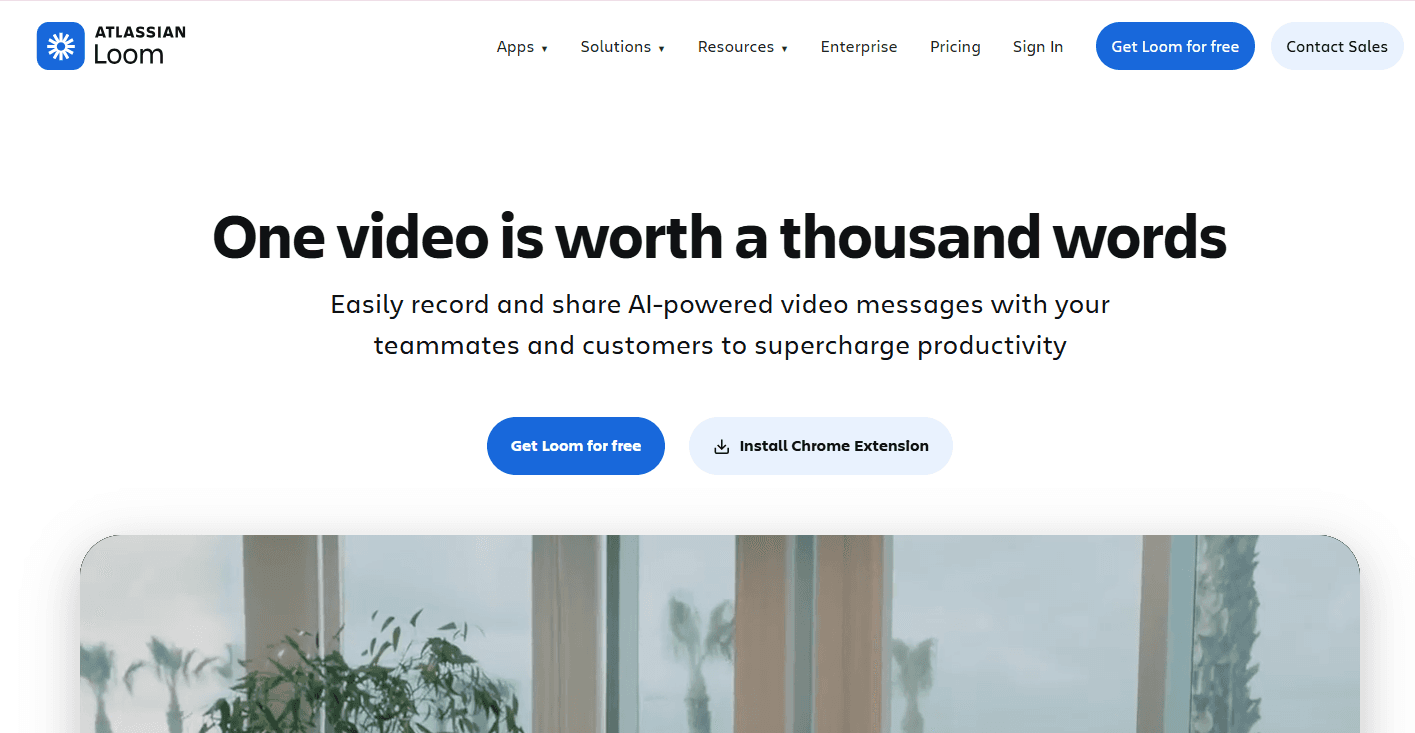
Loom is the leading async video messaging platform, used by fast-moving teams to replace meetings, written documentation, and back-and-forth email threads with short, context-rich video walkthroughs that the recipient can watch on their own schedule.
A Loom recording captures screen, camera, and voice simultaneously, enabling the kind of nuanced communication that text cannot efficiently convey (product demos, code walkthroughs, design reviews, onboarding instructions) without requiring both parties to be available simultaneously.
For distributed and async-first teams, Loom addresses the coordination overhead of meetings by allowing the information to be delivered once, watched by multiple stakeholders on their own time, and referenced repeatedly without requiring a repeat recording.
Key Features
Screen, camera, and microphone recording with instant shareable link
Loom AI for automatic transcription, chapter generation, summaries, and action item extraction
Viewer engagement analytics (watch rate, replay rate, reactions, comments)
Drawing and annotation tools for on-screen emphasis
Custom workspace with team library, folders, and permission management
Integrations with Slack, Notion, Jira, Linear, and major communication platforms
Trimming and editing for polished recordings without professional editing tools
Pros
Dramatically reduces the number of meetings required for information sharing, design review, and onboarding
Loom AI transcription and summaries make recordings searchable and skimmable without watching in full
Viewer analytics reveal whether the communication was consumed, enabling follow-up that is based on actual engagement rather than assumed receipt
Low production overhead: most useful Loom recordings are made in under 5 minutes without any editing
Cons
Not a substitute for synchronous collaboration when real-time back-and-forth is required
Recording quality depends on the sender’s discipline: poorly organized, unedited recordings add length and confusion rather than reducing communication overhead
Storage limits on free and lower paid tiers constrain teams with high recording volumes
AI features are limited to the Business tier and above
Price
Free (25 videos, basic features). Business at $12.50/user/month. Business Plus at $16/user/month. Enterprise custom pricing.
Best For
Distributed teams, async-first organizations, and any team that spends significant time in information-sharing meetings (product demos, design reviews, onboarding, technical walkthroughs) that could be replaced with well-structured video recordings.
Category 4: Project Management
Notion
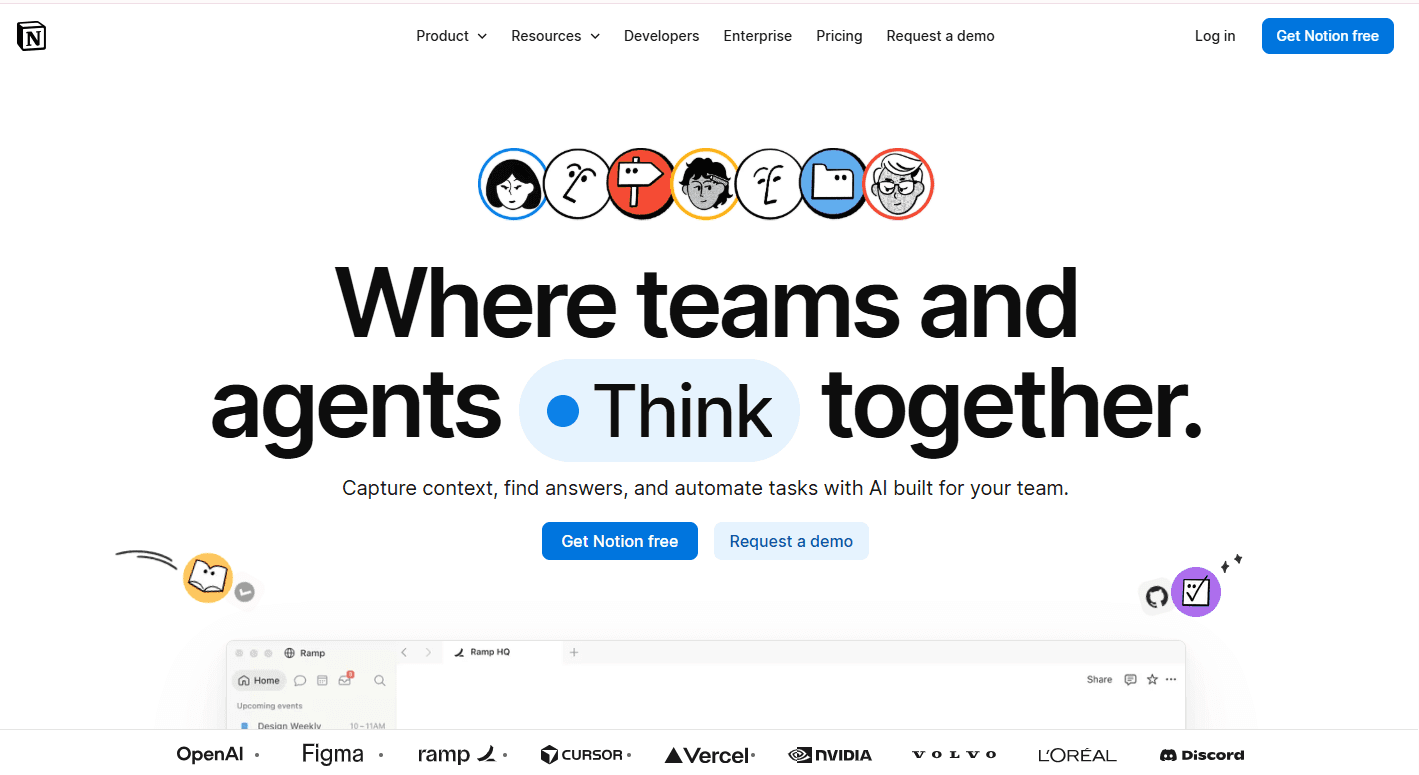
Notion is a flexible workspace platform that combines documents, wikis, databases, and project tracking in a single interconnected system. For fast-moving teams, Notion solves the information fragmentation problem: the organizational knowledge that currently lives in Google Docs, Confluence, Airtable, and various team wikis is consolidated into a single searchable workspace where documents are linked to projects.
Projects are linked to goals, and everything is findable without knowing which tool it was stored in.
Notion AI (built into all paid tiers) adds an intelligence layer that generates content, summarizes pages, answers questions about workspace content, and automates routine documentation tasks.
Key Features
Flexible page and database structure that supports documents, tables, kanban boards, timelines, and galleries in any combination
Notion AI for content generation, summarization, page Q&A, and autofill across database properties
Linked databases that allow the same data to appear in multiple views without duplication
Templates for common team workflows (meeting notes, project briefs, product roadmaps, OKRs)
Robust permission system for team-level, page-level, and guest access control
API for custom integrations and automations
Notion Projects for lightweight project and task management with timeline views
Pros
Solves the information fragmentation problem by consolidating documents, wikis, and project tracking in one place
Exceptional flexibility: can be configured to support almost any team’s information architecture without requiring developer involvement
Notion AI’s in-workspace Q&A allows team members to find information without knowing where it is stored
Strong template library covering most common team workflows out of the box
Cons
Flexibility creates configuration overhead: teams without a dedicated Notion administrator often end up with a fragmented, inconsistently organized workspace that recreates the problem they were trying to solve
Performance can degrade with very large databases and complex linked database configurations
Not a substitute for purpose-built project management tools (Jira, Linear) for engineering teams with complex issue tracking requirements
Mobile experience is less polished than the desktop application
Price
Free (limited blocks). Plus at $10/user/month. Business at $15/user/month. Enterprise custom pricing. Notion AI included in all paid tiers.
Best For
Teams that need a flexible, consolidated workspace for documentation, knowledge management, and lightweight project tracking. Particularly strong for marketing, operations, product, and people teams that work primarily in documents and structured databases.
Linear
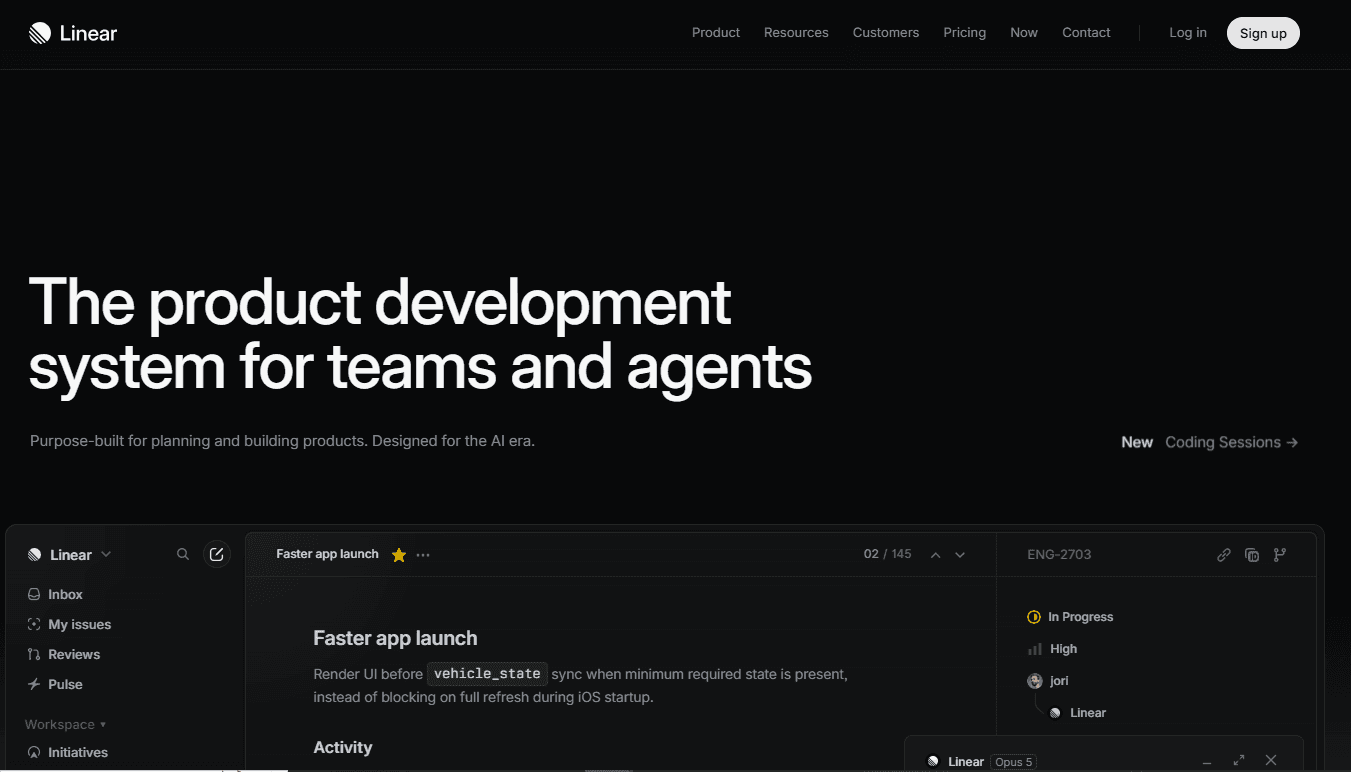
Linear is the project management and issue tracking tool of choice for fast-moving engineering and product teams. Built as a deliberate alternative to Jira’s complexity and performance overhead, Linear prioritizes speed: the interface is keyboard-navigable, the data model is clean, and the tool consistently performs faster than any comparable issue tracker.
For engineering teams that spend significant portions of every day interacting with their issue tracker, Linear’s performance advantage is a material daily productivity gain.
Linear’s workflow philosophy is opinionated: it enforces a cycles-based (sprint) model with defined priorities, statuses, and ownership at every level, reducing the configuration overhead that makes Jira implementations complex to maintain.
Key Features
Fast, keyboard-navigable interface designed for daily issue tracking use
Cycles (sprints) with automatic issue prioritization and scope management
Projects for cross-cycle initiative tracking above the issue level
Roadmap view for multi-project timeline planning
Linear AI for issue creation from descriptions, sub-issue generation, and summary generation
Integrations with GitHub, GitLab, Slack, Notion, Figma, and major development tools
API for custom workflow automation and data sync
Pros
Fastest issue tracking interface available: keyboard shortcuts, instant search, and sub-100ms response times produce a daily friction reduction that accumulates to significant time savings across an engineering team
Opinionated workflow model reduces the configuration decisions that make Jira complex to set up and maintain
Clean, modern interface improves adoption rates compared to Jira, particularly for new team members
Linear AI’s issue creation and sub-issue generation reduce the overhead of converting rough requirements into actionable work items
Cons
Less flexible than Jira for teams with complex custom workflows or enterprise compliance requirements
Enterprise feature set (advanced permissions, audit logs, SSO on lower tiers) is less mature than Jira’s
Primarily engineering-focused: less suitable as a cross-functional project management tool for non-technical teams
Limited native time tracking and resource management capability
Price
Free (up to 250 issues). Standard at $8/user/month. Plus at $14/user/month. Enterprise custom pricing.
Best For
Engineering and product teams that want the fastest, cleanest issue tracking experience available. Particularly strong for startups and growth-stage companies where development velocity is the primary planning constraint.
Category 5: Meeting Intelligence
Granola
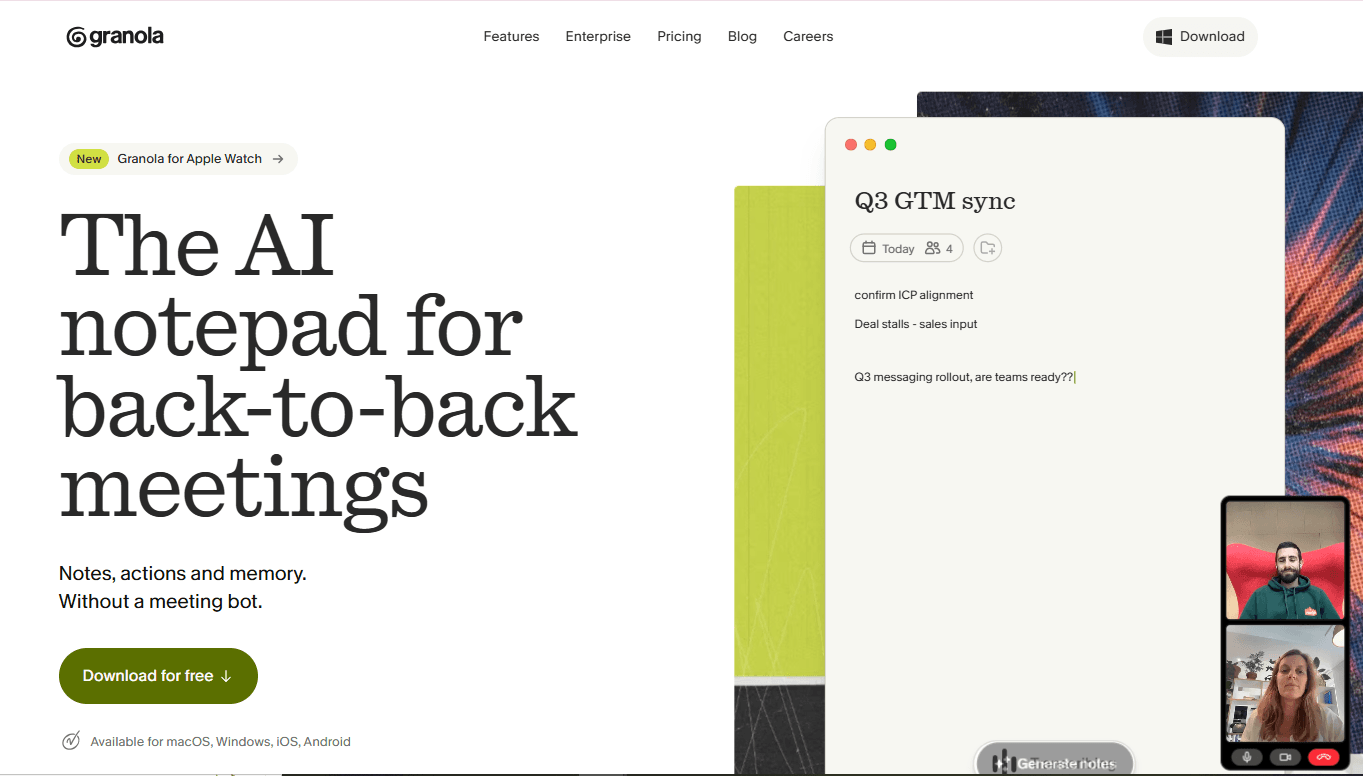
Granola is an AI meeting notes tool that runs locally on Mac and captures meeting audio across any video conferencing platform (Zoom, Google Meet, Teams, or in-person) without requiring a bot to join the call.
It produces structured, human-readable meeting notes that combine the participant’s own rough notes with AI-generated context from the full transcript, producing the quality of notes that a dedicated note-taker would produce without anyone in the room needing to play that role.
For fast-moving teams, the productivity gain from Granola is concentrated in two areas: the elimination of the post-meeting note cleanup that currently consumes 10 to 20 minutes after every call, and the reliable capture of action items and decisions that currently fall through the gaps between participant notes and memory.
Key Features
Local audio capture across all video conferencing platforms without a bot joining the call
Hybrid note model: participant’s rough notes are enhanced and expanded by AI against the full transcript
Structured output with summary, key decisions, action items, and open questions
Meeting history search across all past meetings
Custom note templates for recurring meeting types (pipeline reviews, one-on-ones, discovery calls)
Notion and Slack export
Team workspaces for shared meeting notes and collaborative editing
Pros
No-bot capture means the meeting dynamic is not affected by a visible AI recorder joining the call
Hybrid model respects the participant’s own emphasis: their notes guide what the AI surfaces rather than producing a generic transcript summary
Local processing provides strong privacy for sensitive conversations
Fast, clean output that requires minimal editing to be shareable
Cons
Mac-only as of mid-2026; Windows users require alternative tools
Free tier is limited in meeting history and team features
Less established than Fireflies.ai for enterprise deployments with compliance requirements
Automatic CRM sync is less mature than purpose-built conversation intelligence platforms like Gong
Price
Free (limited meetings). Pro at $18/month per individual. Business pricing custom.
Best For
Individual contributors and small teams that want high-quality, unobtrusive meeting notes without a visible bot in their calls. Particularly strong for sales reps, consultants, and managers with high daily meeting volumes.
Fireflies.ai
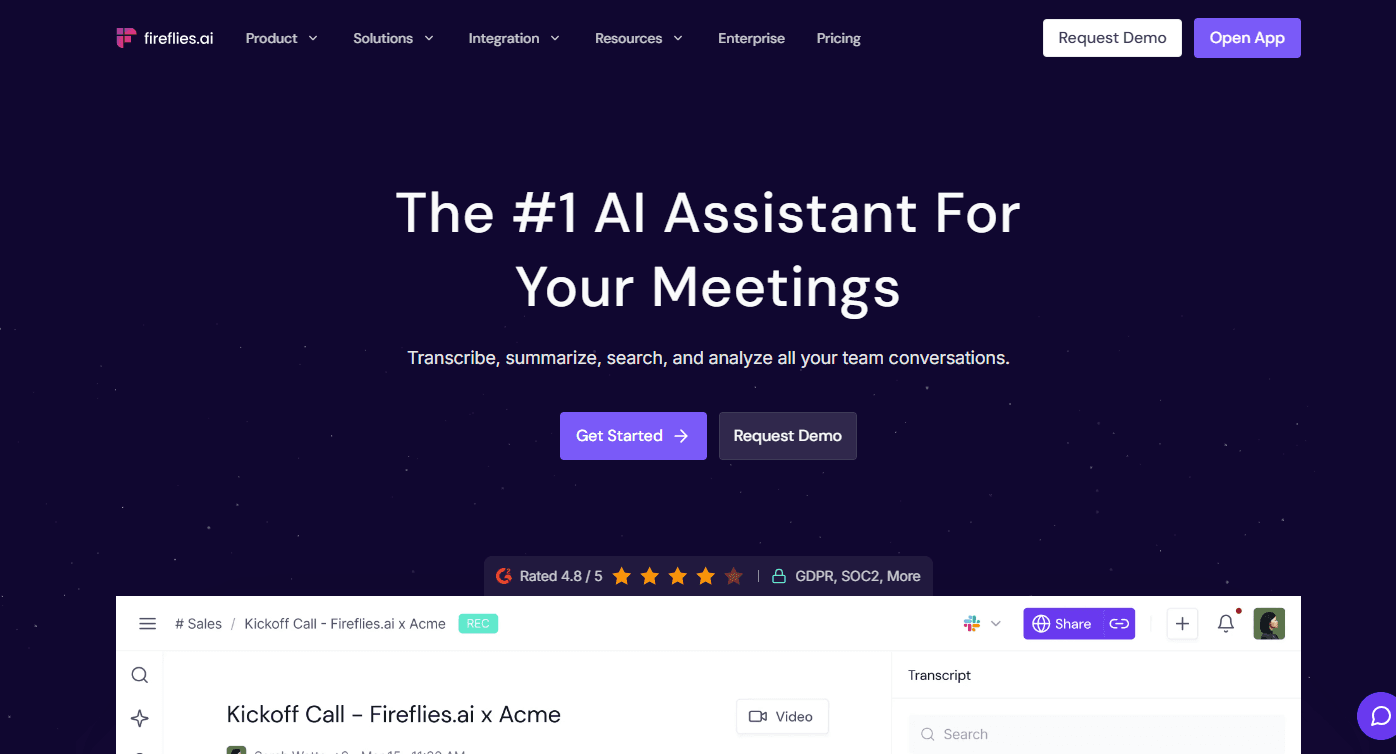
Fireflies.ai is a meeting intelligence platform that records, transcribes, and analyzes calls across Zoom, Google Meet, Microsoft Teams, Webex, and phone calls, producing searchable transcripts, AI-generated summaries, action item extraction, and sentiment analysis.
Fireflies supports the full meeting intelligence stack for teams that need both individual note capture and organizational meeting analytics: which topics are discussed most frequently, which team members speak most in meetings, and which action items from prior meetings remain incomplete.
For pipeline stage management specifically, Fireflies integrates with CRM platforms to push call summaries, action items, and deal-relevant signals directly into opportunity records, reducing the manual data entry that currently follows every sales call.
Key Features
Automated recording and transcription across all major video conferencing platforms
AI-generated meeting summaries, action items, and topic tagging
Smart search across all meeting transcripts with speaker, keyword, and topic filters
CRM integrations (Salesforce, HubSpot) for automatic meeting activity logging
Conversation analytics (talk time, filler word tracking, sentiment scoring)
Soundbites for clipping and sharing specific moments from recordings
Team-level analytics for meeting frequency, topic distribution, and action item completion rates
Pros
Cross-platform coverage across Zoom, Meet, Teams, Webex, and phone is broader than most alternatives
CRM integration for automatic activity logging removes the manual post-call data entry burden from sales teams
Searchable transcript library becomes increasingly valuable over time as historical meeting intelligence accumulates
Business and Enterprise tiers include the compliance controls (SOC 2, GDPR) required for enterprise deployments
Cons
Bot joins the call as a visible participant, which can affect meeting dynamics in sensitive conversations
Transcription accuracy varies by audio quality, accent, and technical terminology; editing transcripts is time-consuming
AI summaries are more generic than Granola’s hybrid model, which incorporates participant context
Free tier limitations (800 minutes storage) are quickly reached by teams with moderate meeting volumes
Price
Free (800 minutes storage). Pro at $10/user/month. Business at $19/user/month. Enterprise custom pricing.
Best For
Teams that need comprehensive meeting intelligence across multiple conferencing platforms with CRM integration for automatic activity logging. Particularly strong for sales teams and revenue operations teams that need the full conversation history in the CRM without manual note entry.
Category 6: Workflow Automation
Zapier
Zapier is the most widely adopted no-code workflow automation platform, with integrations for more than 6,000 apps and a workflow builder that non-technical team members can use to automate multi-step processes across their tool stack without writing a single line of code.
For fast-moving teams, Zapier addresses the automation gap between the productivity tools they use daily: the manual steps required to move information from one tool to another, trigger actions based on events in connected systems, and maintain data consistency across a fragmented stack.
Zapier’s AI features (Zapier Copilot and Zapier Canvas) now allow team members to describe a workflow in natural language and receive an automatically constructed Zap, significantly reducing the time required to automate a new process.
Key Features
6,000+ app integrations covering virtually every SaaS tool in use
Multi-step Zaps with conditional logic, filters, and data transformation
Zapier Copilot for natural language workflow creation
Zapier Canvas for visual workflow mapping and documentation
Tables for lightweight data storage within automation workflows
Interfaces for building simple internal tools connected to automations
Real-time monitoring and error alerting for production workflows
Pros
Broadest integration library available: if two tools have APIs, Zapier almost certainly has pre-built connectors for both
Non-technical team members can build production-quality automations without developer involvement
Zapier Copilot’s natural language workflow creation significantly reduces the time to first running automation
Reliable infrastructure with a strong uptime record for production business workflows
Cons
Pricing scales steeply with task volume: teams with high-frequency automations can incur significant monthly costs
Complex multi-step workflows with conditional branching are more difficult to build and debug in Zapier than in visual-first alternatives like Make
Execution latency (typically 1 to 15 minutes for free and lower-paid tiers) is too slow for real-time automation requirements
Limited error handling and debugging capability compared to developer-built automation infrastructure
Price
Free (100 tasks/month, 5 Zaps). Starter at $19.99/month. Professional at $49/month. Team at $69/month. Enterprise custom pricing.
Best For
Teams across functions that need to automate workflows between SaaS tools without developer resources. Particularly strong for marketing, operations, and revenue operations teams running multi-tool stacks with repetitive cross-system data movement.
Make (formerly Integromat)
Make is a visual workflow automation platform that competes with Zapier at lower price points while offering significantly more sophisticated logic, branching, and data transformation capability in a visual canvas interface.
Where Zapier is optimized for non-technical teams that need simple trigger-action automations built quickly, Make is optimized for technically-minded operators who need complex, multi-branch workflows that handle exceptions, transform data structures, and connect to custom APIs.
The revenue operating system infrastructure that connects CRM, marketing automation, data warehouse, and revenue intelligence platforms requires exactly the kind of complex, conditional data flow that Make handles more elegantly than Zapier at its price point.
Key Features
Visual scenario builder with drag-and-drop workflow construction
1,500+ app integrations with full API access and custom HTTP module
Advanced data transformation with built-in functions, arrays, and JSON handling
Complex branching logic with routers, filters, and error handling flows
Real-time execution for scenarios requiring immediate trigger response
Scheduling with flexible intervals from minutes to monthly
Team workspaces with role-based access and scenario version history
Pros
Significantly more affordable than Zapier at equivalent complexity and task volume
Visual canvas makes complex multi-branch workflows easier to understand, debug, and maintain than Zapier’s linear Zap editor
Real-time execution (no latency delay) is included on all paid tiers
Full HTTP module allows connection to any API, including custom internal systems
Better error handling and debugging tools for maintaining production workflows reliably
Cons
Steeper learning curve than Zapier: the visual canvas is powerful but requires time to use effectively for new users
Smaller integration library than Zapier (1,500 vs. 6,000+): some niche tools may not have pre-built connectors
Less widely known than Zapier, which means fewer community resources, templates, and third-party tutorials
AI-assisted workflow creation is less mature than Zapier Copilot
Price
Free (1,000 operations/month). Core at $9/month. Pro at $16/month. Teams at $29/month. Enterprise custom pricing.
Best For
Operations and RevOps teams that need sophisticated workflow automation with complex branching logic, data transformation, and API integration at a cost-efficient price point relative to Zapier’s task-volume pricing model.
Category 7: Email Productivity
Superhuman
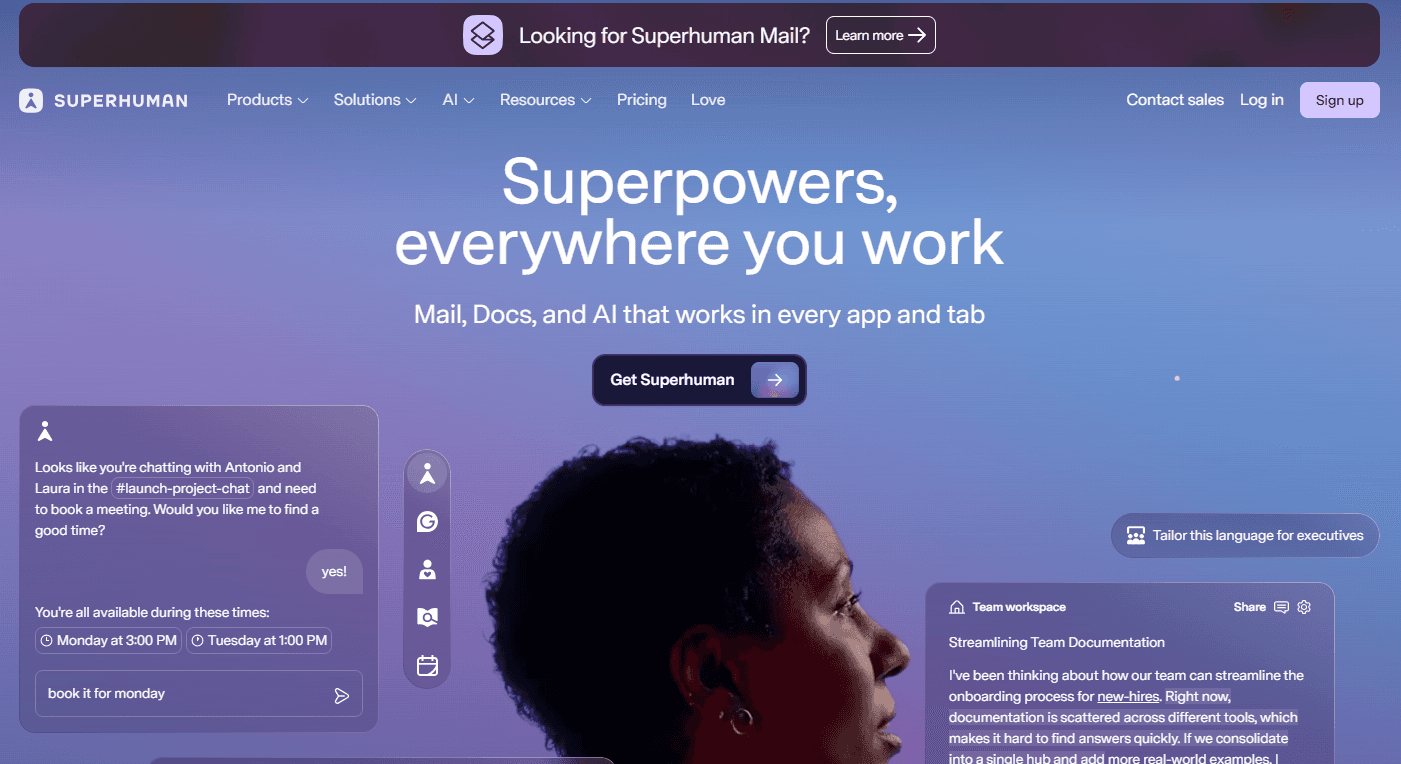
Superhuman is a premium email client built on the premise that high-performing professionals spend significantly more time in email than any tool’s UX design reflects, and that a purpose-built client designed around keyboard shortcuts, AI triage, and instant performance can produce meaningful daily time savings for users with high email volume.
The $30/user/month price point is high relative to free email clients, but for professionals who process 100 or more emails per day, a 30-minute daily time savings justifies the cost within the first week.
Superhuman AI triage surfaces the emails that require action, summarizes long threads to eliminate the need to read every message, and drafts replies based on brief instructions.
For fast-moving executives, sales leaders, and account managers for whom email is a primary work surface, Superhuman’s productivity leverage is among the highest available from any single tool.
Key Features
Instant search with sub-100ms response across full email history
Keyboard-first interface with full navigation, composition, and triage via shortcuts
Superhuman AI for thread summarization, reply drafting, and email triage
Split inbox for automatic categorization of emails by type (important, newsletters, notifications)
Read status tracking for sent emails (know who has opened your message)
Reminders and snooze for email follow-up management without leaving the inbox
Teams sharing (shared drafts, comments on emails, visibility into team inboxes)
Available for Gmail and Outlook
Pros
Fastest email interface available: keyboard-first navigation and instant search produce a meaningfully different daily experience for high-volume email users
AI thread summary eliminates the need to read every message in long threads
Read status tracking gives sales and executive users immediate visibility into whether their message has been opened
Superhuman’s onboarding is a real human session that produces full keyboard fluency faster than self-directed learning
Cons
At $30/user/month, it is significantly more expensive than free alternatives for an email client
The productivity gains are most pronounced for users with genuinely high email volume; users who receive fewer than 50 emails per day will see limited differentiated value
Does not work with Microsoft Exchange directly; requires Gmail or Outlook integration
Some team features require all participants to be Superhuman users for full functionality
Price
$30/user/month. No free tier.
Best For
Executives, sales leaders, account managers, investors, and any professional whose primary work surface is email and who processes more than 50 to 100 emails per day.
The productivity ROI threshold is reached quickly for heavy email users; the value is marginal for users with low email volume.
Time Champ
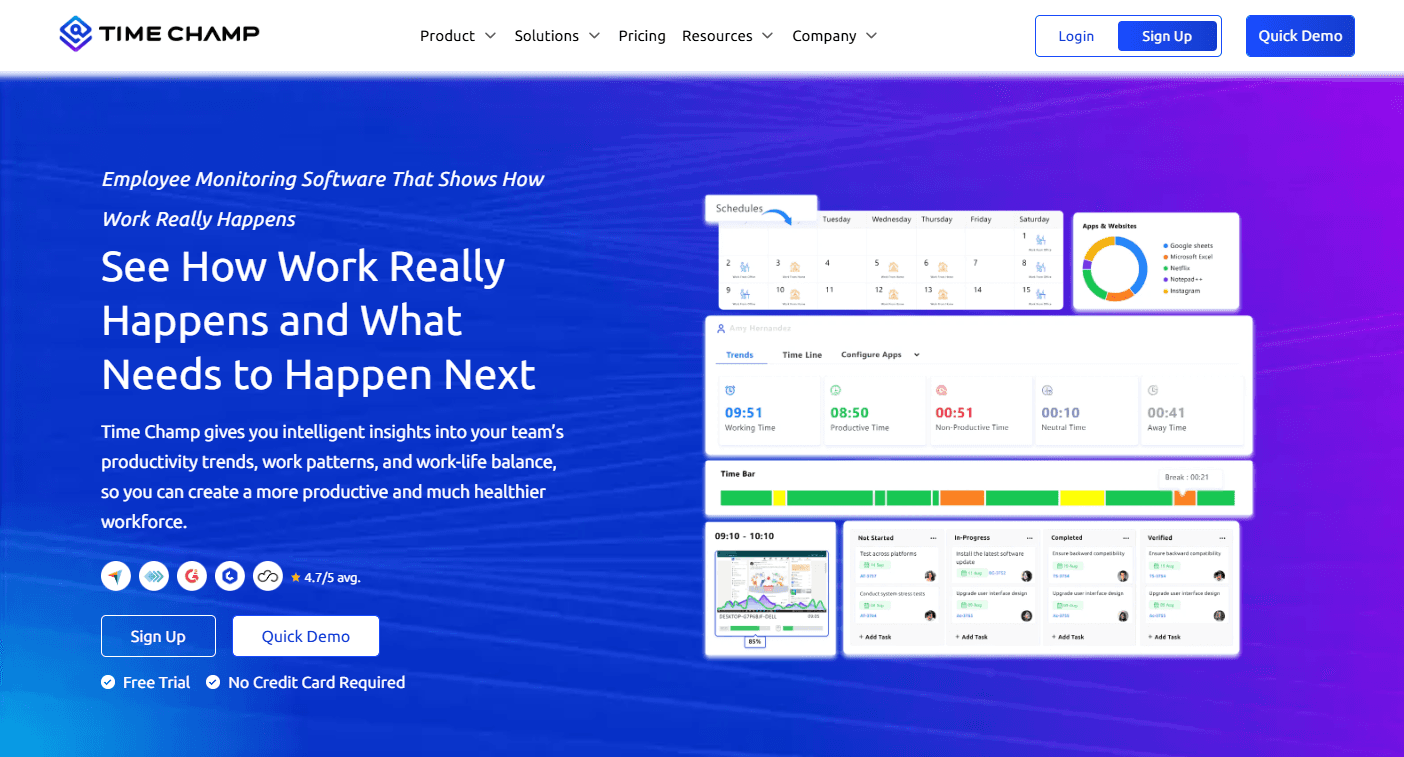
Time Champ is an employee monitoring and time tracking platform built for organizations that need real visibility into how work actually gets done across distributed and in-office teams. Where most productivity tools help individuals work faster in isolation, Time Champ addresses the organizational layer: giving managers the data they need to identify where time is going, where bottlenecks are forming, and which workflows need to be optimized before they compound into larger performance problems.
For fast-moving teams, Time Champ’s productivity value is concentrated in the elimination of the guesswork that currently drives most team performance conversations. Instead of relying on self-reported status updates and subjective manager impressions, Time Champ surfaces objective, real-time data on application usage, project progress, attendance patterns, and individual productivity trends, turning performance management from a periodic review exercise into a continuous, data-driven process.
Key Features
Real-time employee monitoring with application and website usage tracking across the full team
Automated time tracking that captures work hours without requiring manual input from team members
Productivity analytics with customizable dashboards that surface performance trends at the individual, team, and organizational level
Project and task management with time allocation tracking tied directly to deliverables
Attendance and leave management integrated with productivity data for a unified workforce view
Screenshot and activity monitoring for teams requiring detailed audit trails of daily work
Real-time performance reports that give managers actionable visibility without waiting for end-of-week summaries
Custom dashboards and analytics configurable to the specific metrics that matter for each team function
Pros
Combines employee monitoring, time tracking, task management, and attendance in a single platform, eliminating the data fragmentation that results from managing these functions across separate tools
Real-time productivity data gives managers the ability to identify bottlenecks and address inefficiencies as they emerge rather than discovering them in retrospect during performance reviews
Detailed visibility into work patterns enables objective, data-grounded performance conversations that reduce the subjectivity and recency bias of traditional manager assessment
Accessible pricing tiers make the full feature set viable for teams at early growth stages, not just enterprise organizations with dedicated HR technology budgets
Cons
New users may need time to explore all available features.
Advanced reporting options may require initial configuration.
Some organizations may not require the full feature set depending on team size.
Price
Free trial available.
Starter at $3.90/user/month.
Professional at $6.90/user/month.
Enterprise at $13.90/user/month.
Best For
Organizations that need comprehensive, real-time visibility into employee productivity, time allocation, and work patterns, particularly mid-sized and growing teams managing distributed or hybrid workforces where informal oversight is no longer sufficient and structured performance data is required to make informed decisions about team efficiency and resource allocation.
How to build a productivity stack for your team?
A productivity stack is not a list of the best tools in each category; it is a curated combination of tools that integrate well, serve the specific work patterns of the team, and collectively reduce coordination overhead rather than adding tool-switching friction.
The following four-step framework guides the stack selection process.
Step 1: Audit where time actually goes
Before selecting tools, audit actual time allocation across the team for two weeks. Where do team members spend time that does not directly produce outcomes?
Common findings: excessive meeting time that could be replaced with async communication (Loom), manual data entry that could be automated (Zapier, Rox), information search time that a better knowledge base would eliminate (Notion), and email management overhead that a better client would reduce (Superhuman).
The sales planning discipline of understanding actual versus planned resource allocation applies directly to productivity stack design: you cannot design the right tool stack without first understanding how time is currently being spent.
Step 2: Prioritize the highest-friction workflows
Not all coordination overhead is equal. A workflow that takes 30 minutes per day and affects every team member is worth more investment to fix than a workflow that takes 2 hours per week and affects one person.
Rank the identified friction points by daily time cost multiplied by the number of people affected, and prioritize the highest-ranked workflows for tool investment.
Step 3: Evaluate integration before individual tool quality
The best tool in any category that does not integrate cleanly with the rest of the stack produces a new coordination overhead. Before finalizing any tool selection, verify the integration quality (not just integration existence) with the core systems the team already uses.
For revenue teams, verify that the tool integrates with the CRM; for engineering teams, verify integration with the issue tracker; for marketing teams, verify integration with the content management and analytics stack.
Step 4: Adopt sequentially, not simultaneously
Introducing five new tools simultaneously produces adoption fatigue and makes it impossible to measure the impact of any individual tool.
Introduce new productivity tools one at a time, over 4 to 6-week intervals, with defined success metrics for each.
A tool that does not produce measurable productivity improvement after a 6-week adoption window should be removed from the stack rather than tolerated as a sunk cost.
How is AI transforming team productivity in 2026?
From AI assistance to AI execution
The most significant shift in productivity in 2026 is not AI that helps humans work faster but AI that eliminates the need for humans to do certain tasks at all.
AI sales agents that autonomously handle prospecting, qualification, and CRM data capture do not make sales reps faster at those tasks; they remove those tasks from the human workload entirely.
The productivity ceiling for AI-assisted work is always limited by the human’s available hours; the productivity ceiling for AI-executed work is not.
From reactive tools to proactive intelligence
Traditional productivity tools are reactive: they help you respond to what is already in front of you (email, messages, issues, meetings). AI-powered productivity tools are increasingly proactive: they surface what you should be paying attention to before it requires your response.
Rox’s deal risk alerts, Superhuman’s AI triage, and Granola’s action item extraction all represent the same underlying shift: the tool that monitors your work context and surfaces the relevant signal at the right moment, rather than requiring you to search for it.
From tool-switching to unified intelligence layers
The productivity stack of five to seven specialized tools produces significant context-switching overhead as team members move between systems throughout the day.
The trajectory of the productivity tool market is toward unified intelligence layers that aggregate information from across the stack and surface it in a single interface: an AI assistant that knows what is in your email, your project management system, your meeting notes, and your CRM simultaneously, and can answer questions and take actions across all of them without requiring you to navigate to each system individually.
From manual documentation to automated institutional knowledge
The time knowledge workers spend documenting decisions, writing meeting notes, updating project status, and maintaining wikis is being automated by AI tools that capture these outputs from the conversations and activities that produce them: Granola captures the decision from the meeting, Fireflies logs the call in the CRM, and Notion AI updates the project page.
The institutional knowledge that previously required dedicated documentation effort is increasingly produced as a byproduct of the work itself.
Conclusion
Most productivity conversations focus on the tools that help teams work faster in isolation: faster communication, faster documentation, faster automation. For revenue teams, the most costly productivity problem is not any of these.
It is the 60 to 70% of sales time consumed by non-selling activities: CRM data entry after calls, pre-call account research, post-call note cleanup, pipeline review preparation, manual follow-up tracking, and the reactive fire-fighting that characterizes pipeline management without real-time deal intelligence.
Rox’s revenue intelligence platform addresses this problem at its source. Revenue agents automatically capture deal data from every interaction, update CRM records without rep input, monitor deal health continuously, and surface the accounts and opportunities that need attention right now rather than in Friday’s pipeline review.
The result is not a sales team that works faster at the same tasks; it is a sales team that has recovered hours of daily capacity for the high-judgment work that actually closes revenue.
For fast-moving revenue teams that want to understand exactly what is happening in their pipeline without spending their days assembling the data to find out, Rox is the productivity layer that makes the rest of the stack work harder.
Frequently Asked Questions
How do you choose productivity tools for a small team versus a large enterprise?
Small teams should optimize for low adoption friction, minimal administrative overhead, and generous free or low-cost tiers that allow the team to prove value before committing to enterprise pricing.
Large enterprises should optimize for security and compliance certifications (SOC 2, GDPR, SSO, audit logging), scalability of administration (user provisioning, permission management at scale).
How many productivity tools should a team use?
There is no universal answer, but a useful heuristic is that each tool in the stack should address a clearly different type of work overhead that cannot be addressed by a tool already in the stack. A team with Slack, Notion, Linear, ChatGPT, Granola, Zapier, and Rox is covering seven distinct categories of work overhead with minimal overlap.
What is the ROI of productivity tools?
ROI is calculated as: (time saved per person per day × number of people × daily labor cost) minus tool cost. For a 20-person team where a tool saves 30 minutes per person per day at an average labor cost of $50 per hour, the daily productivity value is $500, which justifies $10,000 per month in tool investment.
How do AI productivity tools differ from traditional productivity tools?
Traditional productivity tools (project managers, email clients, communication platforms) make humans more efficient at tasks they are performing manually. AI productivity tools either augment human capability (AI writing assistants that improve output quality) or replace the need for human execution of specific tasks entirely (AI agents that perform research, data entry, and outreach autonomously).
How do you measure whether a productivity tool is actually working?
Measure two things: process metrics and outcome metrics. Process metrics confirm that the tool is changing behavior (meeting time per week before and after Loom adoption, CRM data quality before and after Rox deployment, time to task completion before and after Linear adoption). Outcome metrics confirm that the behavior changes are producing better results (revenue per rep, time to hire, defect rate, net promoter score).
Similar Articles
We build with the best to make sure we exceed the highest standards and deliver real value.
