CRM for B2B: Key Insights Every Scaling Business Needs
Leah Clapper

A B2B CRM (customer relationship management) system is a platform that centralizes contact data, tracks sales pipeline activity, records every interaction between a company and its prospects and customers, and provides the operational foundation for a repeatable, measurable revenue process.
Unlike B2C CRM systems designed for high-volume, short-cycle consumer transactions, B2B CRM platforms are built for complex, multi-stakeholder deals with long sales cycles and multiple decision points.
According to Nucleus Research, CRM technology delivers an average return of $8.71 for every dollar spent, and sales teams using a CRM close 29% more deals than those without one.
This blog covers what makes a B2B CRM different, the core features that matter for scaling businesses, how to evaluate and choose the right platform, how CRM connects to sales methodology, implementation best practices, and how AI is transforming B2B CRM in 2026.
What is a B2B CRM?
A B2B CRM is a software platform that manages the relationships, interactions, and data a business maintains with other businesses throughout the sales cycle and customer lifecycle.
It serves as the system of record for every prospect, customer, and partner: storing contact and account information, tracking every touchpoint across email, phone, and meetings, recording deal progression through the pipeline, and providing the data foundation for forecasting, reporting, and sales coaching.
The purpose of a B2B CRM is not to replace structured sales engagement judgment but to make that judgment more consistent, more informed, and more accountable.
A rep without a CRM relies on memory, personal notes, and individual discipline to manage their pipeline.
A rep with a well-implemented CRM has a complete, shared record of every interaction, every commitment, and every deal status that their entire team can see, act on, and improve.
Three foundational capabilities define a B2B CRM:
Contact and account management.
The storage and organization of every prospect and customer record: company name, industry, size, key contacts, roles, relationship history, and associated deal activity.
In B2B sales, the account (the company) is the primary unit of relationship management, with multiple contacts associated to each account at different levels of the organization.
Pipeline and deal management.
The tracking of every active sales opportunity from initial qualification through close, including deal stage, value, expected close date, associated contacts, activity history, and next steps.
Pipeline management in the CRM is the operational layer that makes sales forecasting and performance management possible.
Activity and interaction tracking.
The logging of every email, call, meeting, and task associated with each contact, account, and deal. Activity tracking creates the shared record that allows managers to coach reps, allows reps to pick up where a colleague left off, and allows the organization to learn from both won and lost deals over time.
How does B2B CRM differ from B2C CRM?
B2B and B2C CRM systems share a common origin but serve fundamentally different selling environments.
Understanding the differences is essential for evaluating platforms built for one context and being offered for the other.
Dimension | B2B CRM | B2C CRM |
|---|---|---|
Primary unit | Account (company) with multiple contacts | Individual consumer |
Deal complexity | Multi-stakeholder, multi-stage | Single decision-maker, often single-stage |
Sales cycle | Weeks to months (sometimes years) | Hours to days |
Deal volume | Lower volume, higher value per deal | Higher volume, lower value per deal |
Pipeline visibility | Critical: long cycles require active management | Less critical: deals close or do not close quickly |
Relationship depth | Long-term account relationships with many touchpoints | Transactional or campaign-driven |
Forecasting need | High: revenue predictability requires pipeline accuracy | Lower: volume and conversion rate drive projections |
Integration requirements | ERP, marketing automation, revenue intelligence, CPQ | E-commerce, marketing automation, support |
Key CRM features | Account hierarchy, opportunity management, activity tracking, forecasting | Campaign management, loyalty, segmentation, service tickets |
The most common evaluation mistake is applying B2C CRM criteria (ease of use, consumer data volume, campaign management) to a B2B purchasing decision where account hierarchy, pipeline stage management, and pipeline stage management with deal-level activity tracking are the primary requirements.
What are the core features of a B2B CRM?
Not all CRM features are equally important for B2B sales. The following are the capabilities that directly drive revenue outcomes in complex, multi-stakeholder selling environments.
Contact and account hierarchy
B2B CRM platforms must support account hierarchy: the ability to model parent-child relationships between companies (a subsidiary and its parent), associate multiple contacts to a single account at different organizational levels, and track the influence and relationship history of each contact independently.
A CRM that flattens all contacts to the same level cannot support the stakeholder mapping that complex B2B deals require.
Opportunity and pipeline management
Opportunity management is the core of B2B CRM value. The platform must support user-defined pipeline stages with entry and exit criteria, deal-level activity history, probability weighting by stage, and the ability to filter and sort the pipeline by rep, team, territory, product line, and close date.
Without rigorous pipeline management capability, the CRM becomes a contact database rather than a revenue management system.
Activity tracking and logging
Every call, email, meeting, and task must be logged against the appropriate contact, account, and opportunity record. Activity tracking should be as automated as possible: manual logging is the primary cause of CRM data degradation.
The best B2B CRM platforms integrate with email clients, calendar systems, and phone dialers to capture activity automatically without requiring reps to maintain separate logs.
Forecasting and reporting
A B2B CRM must produce accurate, real-time revenue forecasts that sales leaders can rely on for capacity planning, hiring decisions, and investor reporting.
Forecast accuracy depends entirely on the quality of pipeline data: close dates, stage progression, deal values, and probability weights must reflect deal reality, not optimistic rep assumptions.
Revenue intelligence signals layered on top of CRM data can significantly improve forecast accuracy by adding engagement and conversation signals that raw CRM data does not capture.
Lead and contact scoring
Lead scoring assigns quantitative values to contacts and leads based on firmographic fit (company size, industry, geography) and behavioral signals (email opens, page visits, content downloads, form submissions).
In B2B, lead scoring is the mechanism that prioritizes inbound lead follow-up and identifies which accounts in the database are most likely to convert to active opportunities.
Workflow automation
CRM workflow automation triggers defined sequences of actions based on deal or contact status changes: sending a follow-up email when a demo is completed, creating a task for the rep when a deal has been stalled for more than seven days, alerting the manager when a deal above a threshold value moves to late stage.
Automation reduces the manual administrative burden on reps and ensures that defined process steps happen consistently regardless of individual rep discipline.
Integration ecosystem
A B2B CRM that does not integrate deeply with the surrounding revenue technology stack loses significant value.
Critical integrations for scaling B2B businesses include: marketing automation (HubSpot, Marketo, Pardot), email and calendar (Google Workspace, Microsoft 365), revenue intelligence (conversation intelligence, deal signal platforms), CPQ (configure-price-quote tools), and ERP systems for post-sale order and billing management.
The benefits of a B2B CRM
A well-implemented B2B CRM produces measurable improvements across pipeline visibility, forecast accuracy, rep productivity, and revenue growth.
The benefits compound over time as data accumulates and process discipline improves.
Pipeline visibility and forecast accuracy.
A CRM with consistently maintained pipeline data gives sales leaders a real-time, accurate view of expected revenue by period, rep, and product line. Without a CRM, pipeline reviews rely on rep memory and spreadsheets that are out of date by the time they are shared.
Rep productivity.
Activity automation, email templates, call logging, and task management within the CRM reduce the administrative time reps spend on non-selling activities.
Salesforce research indicates that sales reps spend on average 65% of their time on non-revenue-generating activities. A well-configured CRM reduces this proportion by automating routine data entry and process steps.
Onboarding speed for new reps.
A CRM that contains a complete history of every account, contact, and deal allows new reps to ramp faster by reviewing the full context of accounts they are inheriting rather than rebuilding relationships from scratch.
Onboarding time for new reps in organizations with mature CRM practices is typically 30 to 40% shorter than in organizations without structured account history.
Revenue attribution clarity.
A CRM that tracks the full progression of every lead from source through close enables revenue attribution across channels: understanding which marketing channels, content assets, and outreach sequences generate pipeline that actually converts to revenue, not just pipeline that enters the funnel.
Coaching and performance management.
CRM activity data, pipeline stage conversion rates, and deal velocity metrics give sales managers the objective data they need to coach specific rep behaviors rather than relying on rep self-reporting.
Which reps are advancing discovery calls to qualified opportunities at the right rate? Which reps are experiencing deal stall at a specific stage? The CRM answers these questions with data rather than intuition.
Customer retention and expansion.
A B2B CRM stores the complete history of every customer relationship, including past purchases, support interactions, renewal dates, and account health signals.
This history is the foundation of effective account management, renewal forecasting, and expansion selling.
Who needs a B2B CRM and when?
Any business-to-business organization with a sales team managing more than a handful of active accounts simultaneously needs a CRM. The appropriate level of CRM sophistication scales with organizational complexity, deal volume, and revenue growth ambitions.
Early indicators that a CRM is needed:
Reps are tracking deals in personal spreadsheets or email inboxes
Pipeline reviews require reps to verbally reconstruct deal status from memory
Leads are being lost or delayed because follow-up fell through the cracks
New reps cannot access the history of accounts they are inheriting
Revenue forecasts are regularly inaccurate because pipeline data is unreliable
Marketing cannot determine which campaigns are generating revenue, only which are generating leads
By company stage:
Early-stage companies (1 to 3 reps, fewer than 100 active accounts).
A lightweight CRM with contact management, pipeline tracking, and email integration is sufficient. HubSpot’s free CRM tier or Pipedrive at the entry level covers the core requirements. The goal at this stage is to establish the habit of CRM discipline before the pipeline grows too large to manage manually.
Growth-stage companies (4 to 25 reps, hundreds of active accounts).
A full-featured B2B CRM with pipeline automation, lead scoring, forecasting, and marketing automation integration. This is where sales leadership decisions about CRM platform choice have the greatest long-term impact: the platform chosen at this stage typically scales with the business for 5 to 10 years.
Scale-stage companies (25 or more reps, complex multi-product or multi-territory revenue operations).
Enterprise CRM with advanced forecasting, territory management, account hierarchy, CPQ integration, and revenue intelligence layering. Salesforce or Microsoft Dynamics are the most common choices at this stage, often augmented by dedicated revenue intelligence platforms.
How to choose a B2B CRM?
Choosing a B2B CRM is a consequential decision: the platform becomes the operational backbone of the revenue organization and switching costs increase significantly over time as data accumulates and integrations multiply. The following four-step framework reduces the decision to concrete criteria.
Step 1: Define your non-negotiable requirements
Before evaluating platforms, document the capabilities your business cannot operate without: specific integrations, pipeline stage customization depth, reporting requirements, user volume, data storage needs, and compliance requirements (GDPR, SOC 2, HIPAA for healthcare).
Non-negotiables eliminate platforms early and prevent the evaluation from being driven by feature demonstrations rather than operational fit.
Step 2: Assess your team’s technical capacity
CRM sophistication requirements must be matched to the team’s ability to configure, administer, and maintain the platform. Salesforce is the most powerful B2B CRM available, but it requires a dedicated administrator (or a contracted implementation partner) to configure and maintain effectively.
A 10-person sales team without a dedicated RevOps function will get more value from a lighter-weight platform they can operate themselves than from an enterprise platform they are perpetually under-utilizing.
Step 3: Evaluate total cost of ownership, not license cost
CRM license cost is a fraction of total cost of ownership. Implementation costs (configuration, data migration, integration setup, user training), ongoing administration costs, and the cost of add-on modules that cover capabilities excluded from the base tier all add significantly to the total investment.
Enterprise CRM implementations that appear to cost $150 per user per month often cost $400 to $700 per user per month when total cost of ownership is fully accounted for.
Step 4: Run a proof of concept on your actual workflow
Evaluate CRM platforms against your actual sales workflow, not a vendor-provided demo scenario. Configure the platform with your pipeline stages, your product lines, and your territory structure. Import a sample of your existing data.
Run a 30-day pilot with a subset of your sales team and measure adoption rate, data quality, and rep feedback.
A CRM that scores well in a vendor demonstration but produces low adoption in a real-world pilot is not the right platform regardless of its feature list.
Top B2B CRM platforms for scaling businesses
Salesforce Sales Cloud
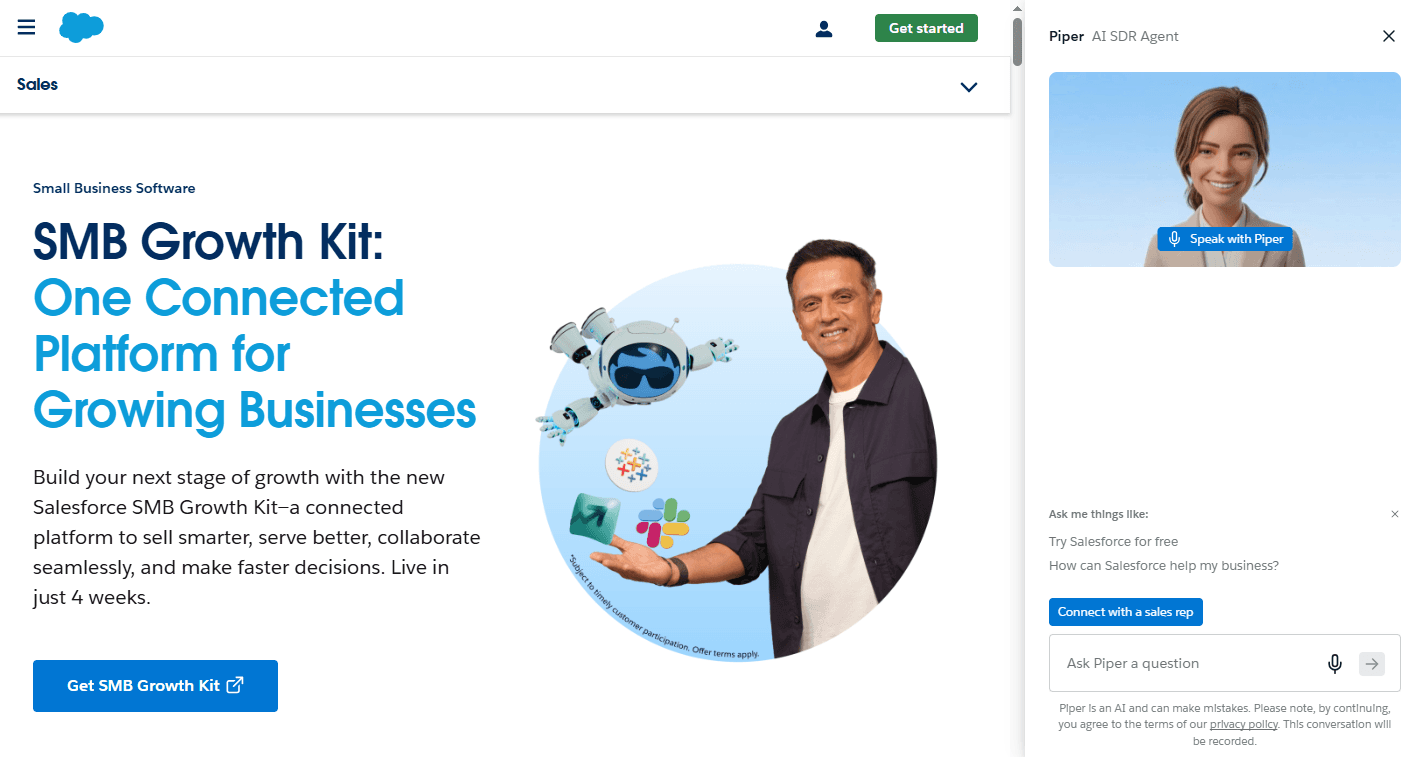
Overview: The most widely deployed enterprise B2B CRM globally. Salesforce provides the deepest feature set in the market, the largest integration ecosystem (AppExchange), and the most extensive customization capability. It is the de facto standard for enterprise sales organizations with complex multi-product, multi-territory, or multi-channel revenue operations.
Key features:
Opportunity management, account hierarchy, advanced forecasting (Einstein AI), territory management, CPQ integration, AppExchange ecosystem, Agentforce AI sales agents.
Pros:
Unmatched depth of functionality and customization
Largest ecosystem of third-party integrations
Industry-leading reporting and analytics
Scales from mid-market to the largest global enterprise
Cons:
High total cost of ownership when implementation, administration, and add-on costs are included
Requires dedicated Salesforce administrator for effective operation
UI complexity creates adoption barriers for rep-level users
Core capabilities require multiple add-on purchases (forecasting, AI, CPQ)
Price:
Sales Cloud starts at $25 per user per month (Starter), with enterprise tiers at $165 to $500 per user per month. Most mid-market and enterprise implementations land between $200 and $400 per user per month with required add-ons.
HubSpot CRM
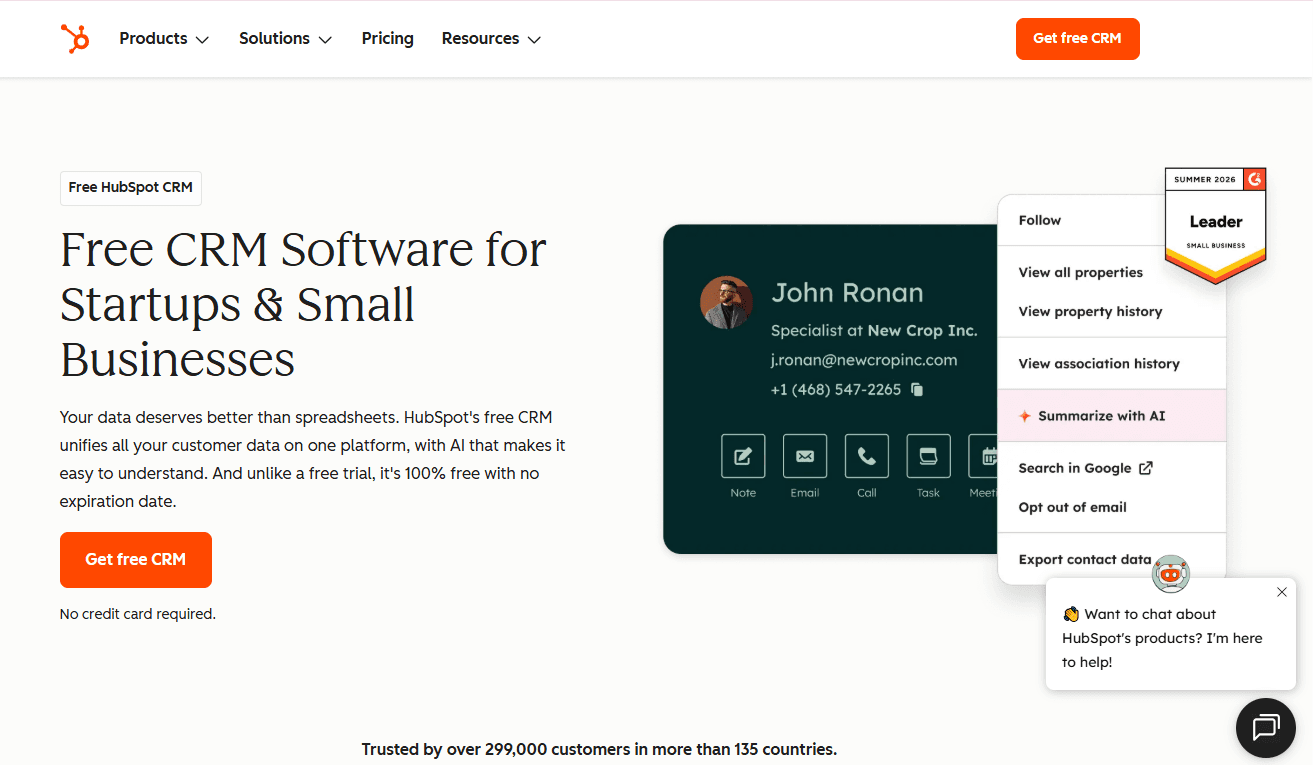
Overview: HubSpot CRM is the most widely adopted CRM in the mid-market and a strong choice for businesses that want tight integration between CRM and marketing automation without the complexity and cost of an enterprise platform.
Its free CRM tier and accessible interface make it the most common first CRM for scaling B2B businesses.
Key features:
Contact and account management, deal pipeline, email integration, marketing automation (Marketing Hub), sales sequences, live chat, reporting dashboards, and a growing AI feature set.
Pros:
Free CRM tier with strong core functionality
Highly accessible interface with minimal administrator requirements
Tight integration between CRM and marketing automation in a single platform
Rapid implementation and onboarding compared to enterprise alternatives
Cons:
Enterprise-grade features (advanced forecasting, custom objects, revenue attribution) require expensive upper tiers
Reporting depth is limited compared to Salesforce at the enterprise level
Less suited to highly complex account hierarchies or multi-territory enterprise operations
Feature parity with Salesforce at the enterprise level requires the full CRM Suite, which approaches Salesforce in total cost
Price:
Free CRM tier available. Paid Sales Hub starts at $15 per user per month (Starter), $90 per user per month (Professional), $150 per user per month (Enterprise).
Rox Data Corp

Overview: Rox is a revenue operating system that combines CRM account and contact management with AI-powered revenue intelligence, autonomous revenue agents, and real-time pipeline signal detection.
Where traditional CRMs record what happened, Rox provides a forward-looking signal layer: surfacing deal risk, stakeholder engagement patterns, and pipeline health in real time so sales teams can act before problems become losses.
Key features:
Account and contact management, AI-powered pipeline intelligence, revenue agent automation, stakeholder engagement tracking, conversation intelligence integration, real-time deal risk signals, and revenue forecasting grounded in engagement data rather than rep-entered fields.
Pros:
Combines CRM data management with real-time revenue intelligence in a single platform
Revenue agents automate pipeline hygiene and outreach without rep manual input
Deal signals and stakeholder engagement data improve forecast accuracy beyond what traditional CRM field entry produces
Designed for the AI-era revenue team: proactive intelligence rather than passive record-keeping
Cons:
Better suited to organizations that have already established baseline CRM discipline than to teams implementing their first system
Most effective when paired with existing outbound and inbound motion infrastructure
Fewer third-party integration connectors than Salesforce or HubSpot at this stage of development
Price:
Contact Rox for current pricing.
Microsoft Dynamics 365 Sales
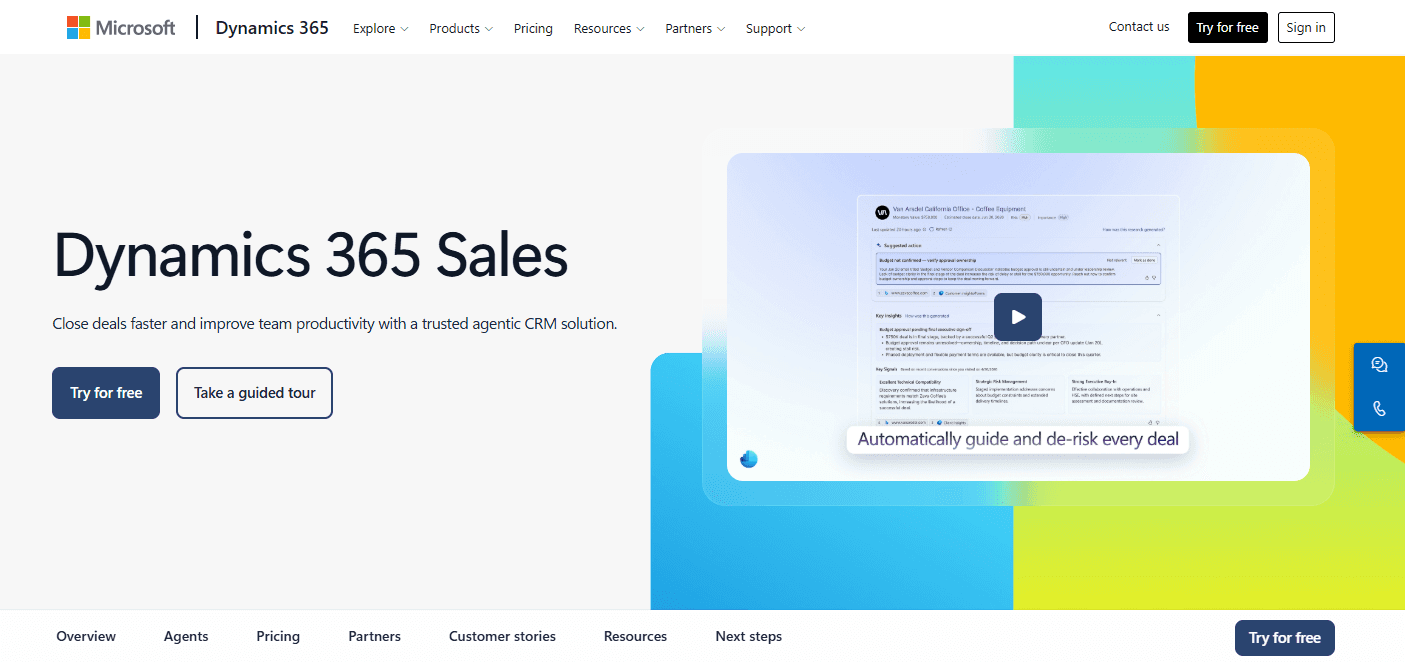
Overview: Microsoft Dynamics 365 Sales is the enterprise CRM within the Microsoft ecosystem, offering deep integration with Microsoft 365, Teams, LinkedIn Sales Navigator, and Azure.
It is the preferred choice for large enterprises already standardized on Microsoft infrastructure and for organizations in regulated industries where Microsoft’s compliance certifications (FedRAMP, HIPAA, ISO 27001) are a procurement requirement.
Key features:
Opportunity management, account hierarchy, AI-powered forecasting (Copilot), Teams integration, LinkedIn Sales Navigator integration, territory management, and Power Platform customization.
Pros:
Deep integration with Microsoft 365, Teams, and Azure for organizations already on Microsoft infrastructure
LinkedIn Sales Navigator integration for prospecting and relationship intelligence
Strong compliance certifications for regulated industry use cases
Power Platform allows extensive low-code customization without developer dependency
Cons:
UI complexity and configuration depth create a steep learning curve for rep-level users
Integration with non-Microsoft tools is less seamless than Salesforce’s AppExchange ecosystem
Total cost of ownership can exceed Salesforce when full Microsoft stack licensing is included
Requires dedicated administrator or implementation partner
Price:
Dynamics 365 Sales Professional at $65 per user per month; Sales Enterprise at $105 per user per month.
Pipedrive
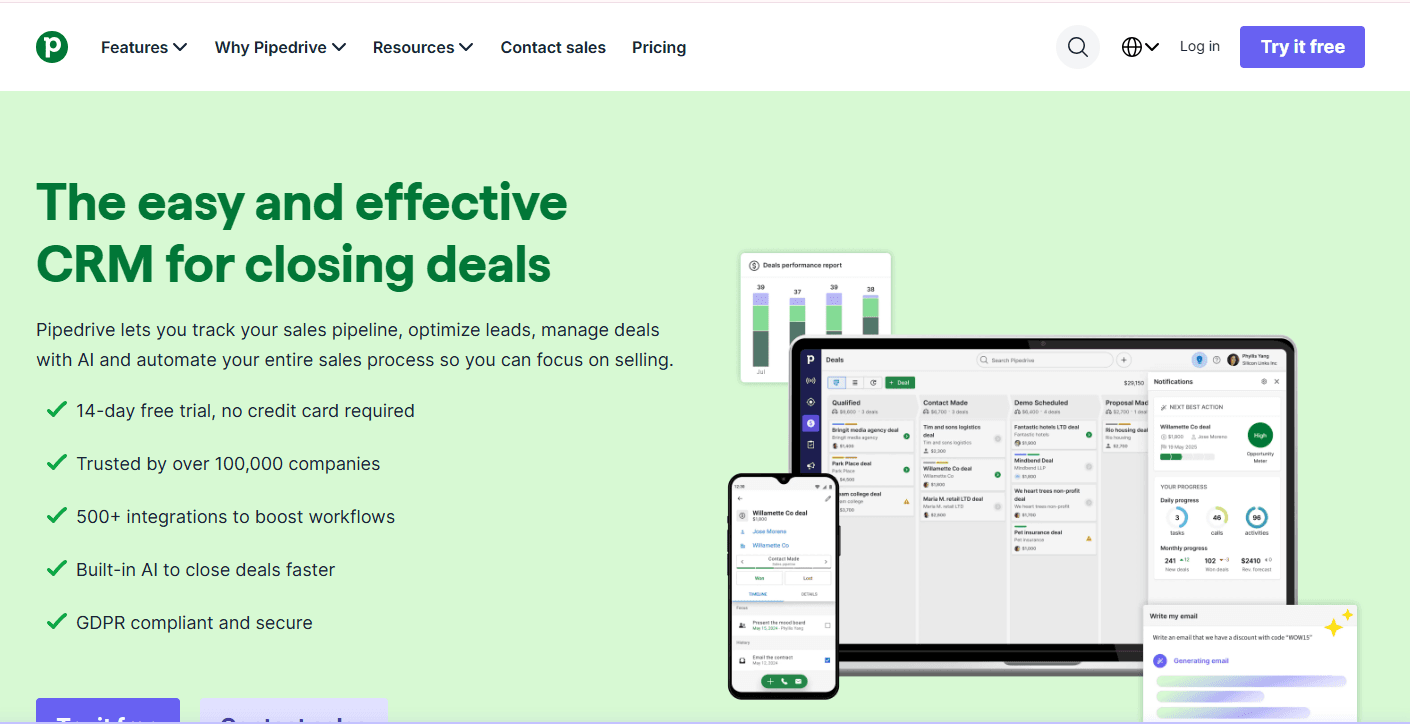
Overview: Pipedrive is a sales-focused CRM designed for simplicity and pipeline visibility. It is the most commonly adopted CRM for small to mid-sized B2B sales teams that want strong pipeline management without the complexity of enterprise platforms.
Its visual pipeline interface and minimal administrative overhead make it one of the easiest CRMs to implement and sustain with a small team.
Key features:
Visual pipeline management, activity-based selling reminders, email integration, contact management, basic reporting, workflow automation, and an AI sales assistant (Pipedrive AI).
Pros:
Highly intuitive visual pipeline interface with minimal learning curve
Low total cost of ownership: minimal administrator requirement
Strong activity-based selling features for teams that need structure around rep behavior
Fast implementation: most teams are operational within days
Cons:
Limited account hierarchy and enterprise-level customization
Reporting depth is insufficient for organizations requiring advanced forecasting and revenue attribution
Marketing automation integration requires third-party tools; no native marketing module
Less suited to enterprise deals with complex multi-stakeholder management requirements
Price:
Essential at $14 per user per month, Advanced at $29, Professional at $59, Power at $69, Enterprise at $99.
Zoho CRM
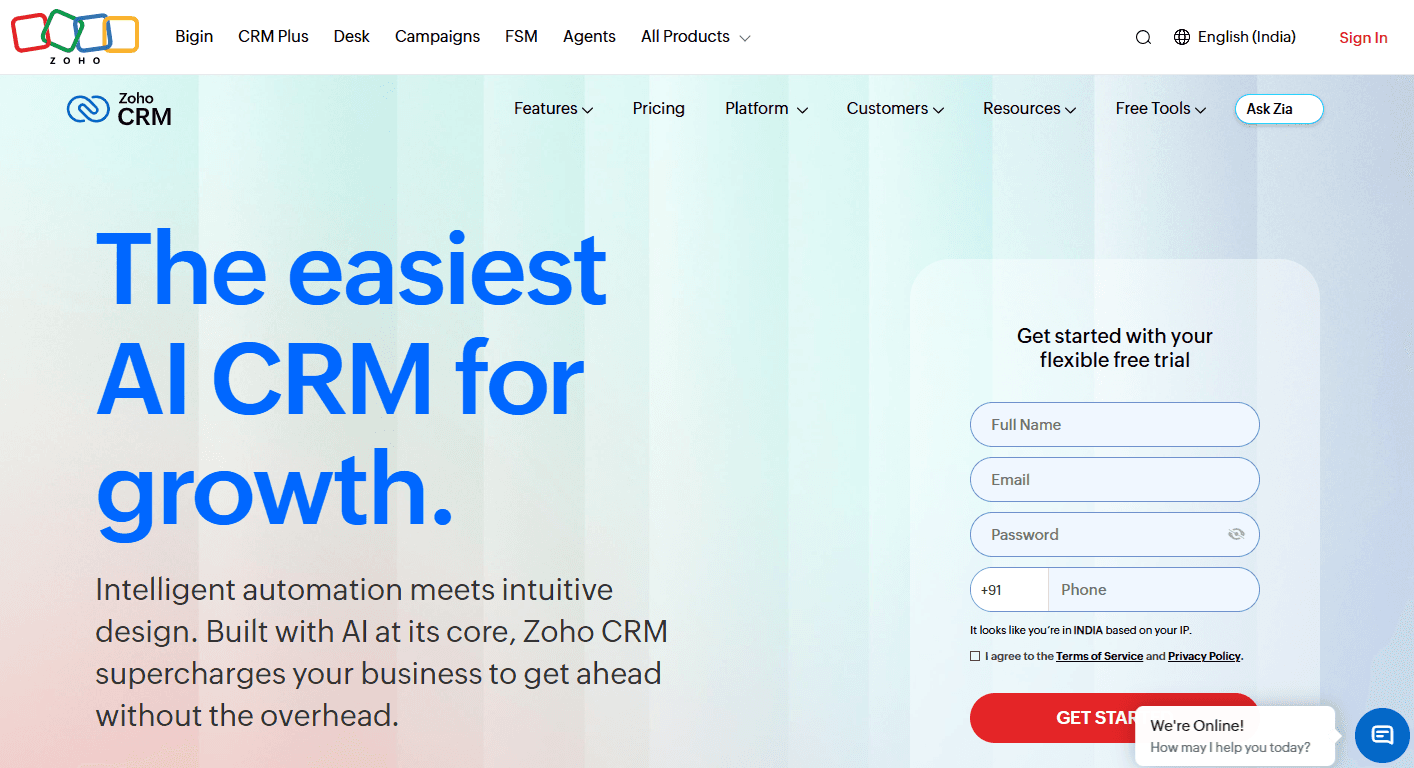
Overview: Zoho CRM is a feature-rich CRM platform at a price point significantly below Salesforce and HubSpot, making it a common choice for cost-conscious scaling businesses that need enterprise-grade features without enterprise-grade pricing.
Zoho’s tight integration with the broader Zoho product suite (Zoho Marketing, Zoho Books, Zoho Desk) is an advantage for businesses already in the Zoho ecosystem.
Key features:
Contact and account management, pipeline management, AI assistant (Zia), workflow automation, territory management, forecasting, email integration, and Zoho suite integration.
Pros:
Significantly lower price point than Salesforce or HubSpot at comparable feature tiers
Broad feature set including territory management, forecasting, and AI at mid-market price points
Strong integration within the Zoho product suite
Highly customizable with low-code configuration options
Cons:
UI polish and user experience lag behind Salesforce and HubSpot, which affects rep adoption rates
Third-party integration ecosystem is less developed than Salesforce AppExchange
Implementation complexity can exceed expectations for organizations without a dedicated administrator
Customer support quality is inconsistent compared to enterprise-tier alternatives
Price:
Standard at $14 per user per month, Professional at $23, Enterprise at $40, Ultimate at $52.
B2B CRM and Sales Methodology Alignment
A CRM platform is only as effective as the sales methodology it supports. The pipeline stages, required fields, and workflow automations configured in the CRM must reflect the qualification framework and process discipline the sales team operates by. When they do not, the CRM becomes a data entry burden rather than a sales acceleration tool.
MEDDIC and CRM configuration.
MEDDIC requires the CRM to capture specific qualification data fields: economic buyer identified (yes/no), champion name and access level, decision criteria documented, decision process mapped, pain quantified, and competition identified.
A CRM configured without these fields cannot enforce MEDDIC qualification in pipeline reviews: managers review deals based on whatever fields exist rather than the qualification criteria that determine deal quality.
Challenger Sale and CRM usage.
Challenger methodology requires the CRM to track which commercial insight was delivered, to whom, and when, and how the prospect responded. Without this tracking, managers cannot coach Challenger delivery behaviors or identify which insight narratives are resonating with which buyer profiles.
Pipeline stage criteria and CRM gates.
Regardless of methodology, CRM pipeline stages should have defined entry criteria that must be confirmed before a deal advances.
Most CRM platforms support required fields by stage: a deal cannot move from Discovery to Proposal without the budget field and next steps field being populated. These gates enforce process discipline at the point of data entry rather than in the retrospective pipeline review.
Connecting B2B CRM to inbound and outbound sales motions
A B2B CRM serves as the operational backbone for both inbound and outbound sales motions, but the data flows and workflow requirements differ between them.
In an inbound sales motion, the CRM receives lead data from marketing automation and web forms, assigns leads to reps based on defined routing rules, tracks lead status through MQL and SQL qualification stages, and records the full engagement history from first touch through close.
The CRM’s lead-to-opportunity conversion rate and lead source attribution data are the primary inputs for marketing ROI analysis and inbound program investment decisions.
In an outbound sales motion, the CRM manages the prospecting sequences, call logs, and email interactions that reps initiate with targeted accounts. Activity-based selling features (task reminders, sequence enrollment, cadence management) are the primary CRM value drivers for outbound teams.
The CRM’s activity data (dials made, emails sent, connects achieved, meetings booked) is the primary metric for outbound rep performance management.
Organizations running both motions require a CRM configured to support both lead sources simultaneously with clear attribution: every contact and opportunity record must carry its source (inbound or outbound) throughout its lifecycle so that pipeline and revenue can be attributed accurately to the motion that generated them.
B2B CRM Implementation Best Practices
CRM implementation failure is common. Research from Gartner indicates that CRM adoption rates below 50% are frequently reported, and the primary causes of low adoption are not technology failures but process and change management failures.
The following step-by-step approach addresses the most common implementation failure modes.
Step 1: Define the process before configuring the platform
Document the sales process, pipeline stages, qualification criteria, and required data fields before opening the CRM configuration panel.
A CRM configured around an undefined or poorly documented process will require significant reconfiguration within 6 to 12 months and will produce inconsistent data in the interim.
Step 2: Migrate only clean data
Data migration is the step most likely to undermine CRM adoption if handled poorly. Import only contacts, accounts, and deals that are active and accurate. Do not migrate years of outdated contact data that will clutter the CRM and reduce rep trust in its accuracy.
A smaller, clean CRM database produces better outcomes than a large, noisy one.
Step 3: Configure mandatory fields and pipeline gates
Enforce data quality at the point of entry. Define which fields are required at each pipeline stage and configure the CRM to prevent stage advancement without them.
Early data quality investment eliminates the pipeline review friction and forecast inaccuracy that degrades CRM value over time.
Step 4: Integrate with the email client and calendar on day one
Activity tracking adoption collapses when reps must manually log every interaction. Email and calendar integration that automatically syncs sent emails, received emails, and calendar events to the appropriate CRM record eliminates the manual logging burden that drives CRM abandonment. This integration should be live before the first rep uses the system.
Step 5: Train on the process, not the platform
CRM training that focuses on button clicks and menu navigation produces reps who know how to use the software but do not understand why the data matters.
Train reps on the sales process the CRM supports: why stage criteria exist, why activity logging matters for coaching and handoffs, and how pipeline data drives the forecasts that determine quota, headcount, and commission structure.
Handling objections during rollout from reps who resist the time investment requires the same approach as handling objections in a sales conversation: acknowledge the concern, address it specifically, and connect the behavior to an outcome the rep cares about.
Step 6: Review and enforce CRM discipline in every pipeline meeting
CRM adoption is sustained by manager behavior, not training. Pipeline reviews that accept verbal deal updates without referencing CRM data signal that the CRM is optional.
Pipeline reviews that require every deal to be reviewed from the CRM record and that call out missing or stale data signal that the CRM is the system of record. Manager enforcement is the single most powerful driver of sustained CRM adoption.
How is AI transforming B2B CRM in 2026?
Automated data capture and pipeline hygiene
AI tools integrated with CRM systems now extract deal data automatically from call recordings, email threads, and meeting transcripts, populating contact information, deal stage criteria, and activity logs without manual rep input.
Organizations using AI-powered CRM data capture report 40 to 60% reductions in rep time spent on administrative CRM tasks, with simultaneous improvements in data quality because machine-extracted data is more complete and more consistent than manually entered data.
Predictive deal scoring and risk flagging
AI-powered CRM platforms now score every active opportunity based on engagement signals, deal velocity, stakeholder involvement, and historical conversion patterns.
Deals that are at risk of stalling or being lost are flagged automatically, allowing sales managers to intervene before the deal deteriorates rather than discovering the risk in a retrospective pipeline review. AI sales assistant models embedded in CRM platforms surface these risk signals alongside recommended next actions for each at-risk deal.
AI-generated forecast intelligence
Traditional CRM forecasting relies on rep-entered close dates and probability weights that reflect optimism rather than deal reality.
AI forecasting models analyze actual deal signals: stakeholder engagement trends, deal velocity relative to historical benchmarks, stage duration versus average, and competitive mention frequency in conversation transcripts. =
The result is a forecast that reflects the real state of the pipeline rather than the pipeline as reps would like it to appear.
Autonomous CRM agents
The most significant transformation in B2B CRM in 2026 is the emergence of autonomous CRM agents: AI systems that take actions within the CRM without human direction.
These agents automatically update deal records after calls, send follow-up communications on behalf of reps, create tasks and reminders based on deal signals, route new leads to the appropriate rep based on territory and ICP fit, and alert managers when deals cross defined risk thresholds.
The CRM is shifting from a passive system of record to an active participant in the revenue process.
What are the common B2B CRM mistakes?
Choosing a platform before defining the process. CRM selection driven by vendor demonstrations rather than documented process requirements produces a platform that fits the vendor’s preferred use case, not the organization’s actual workflow.
Migrating dirty data. Importing every contact from a legacy system without qualification produces a CRM database that reps distrust from day one. Data quality at launch is more important than data completeness.
Configuring too many fields at launch. CRMs configured with 40 required fields in an attempt to capture every possible data point produce rep revolt and CRM abandonment within weeks. Start with the minimum viable set of fields that support pipeline management and forecasting, then add fields as process discipline matures.
Neglecting email and calendar integration. A CRM without automatic activity sync requires manual logging that reps will not sustain. Email and calendar integration is not a nice-to-have; it is the foundation of the activity data quality that makes everything else in the CRM useful.
Treating CRM adoption as a training problem. CRM adoption is a management behavior problem. Training produces initial usage; manager enforcement in pipeline reviews produces sustained adoption.
Ignoring the technical evaluation requirements for enterprise CRM procurement. Enterprise CRM procurement involves security questionnaires, compliance certification reviews, integration feasibility assessments, and IT architecture sign-off.
Not measuring CRM ROI. Organizations that implement a CRM without baseline metrics for pipeline accuracy, forecast accuracy, sales cycle length, and win rate cannot determine whether the CRM investment is producing results.
Where B2B CRM is heading?
The boundary between CRM and revenue intelligence is dissolving. Traditional CRM was a system of record: it stored what happened. Revenue intelligence was a system of insight: it interpreted what the data meant.
In 2026, these two functions are merging into a single revenue operating system that both records and interprets, both stores data and acts on it.
The shift from passive to active CRM is the defining trend. Next-generation B2B CRM platforms do not wait for reps to enter data; they capture it automatically. They do not wait for managers to review the pipeline; they surface risk proactively.
They do not wait for reps to follow up; they initiate follow-up autonomously. The rep’s role in the CRM workflow is shifting from data entry and pipeline maintenance to exception handling and relationship decisions that require human judgment.
Consolidation is accelerating. The trend toward revenue operating systems that combine CRM, revenue intelligence, sales engagement, and AI agents in a single platform is compressing the technology stack that previously required separate point solutions for each function.
Organizations that adopted a best-of-breed stack of five or six sales technology tools in the early 2020s are evaluating whether a consolidated platform with sufficient depth across all functions now provides better ROI than the integration overhead and data fragmentation cost of maintaining separate tools.
How does Rox Data Corp support B2B CRM-driven revenue teams?
The limitation of traditional B2B CRM is that it records what reps enter, not what is actually happening in the deal.
Close dates entered in optimism, stage advancements recorded before qualification criteria are genuinely met, and activity logs that reflect what reps want their managers to see rather than what actually occurred: these data quality problems are endemic to CRM systems that depend on manual rep input as their primary data source.
Rox’s revenue intelligence platform addresses this limitation directly. Rox captures deal data automatically from calls, emails, and meetings, populating the CRM record with engagement signals, stakeholder activity, and conversation intelligence that reflects the actual state of every deal rather than the rep’s entered approximation.
The result is a CRM dataset that is more complete, more accurate, and more current than any manual entry discipline can produce.
For sales leaders managing a scaling revenue organization, Rox provides the pipeline intelligence layer that makes CRM data actionable: surfacing deal risk before it becomes deal loss, identifying which opportunities in the pipeline are progressing at the velocity their close dates imply, and giving every rep and manager the full account context they need to make the next right decision in every active deal.
That intelligence is what transforms a CRM from a data storage system into the operational backbone of a predictable, scalable revenue motion.
Frequently Asked Questions
What is the difference between a CRM and a sales engagement platform?
A CRM is the system of record: it stores contact, account, and deal data and tracks the history of every interaction and pipeline progression. A sales engagement platform is the system of execution: it manages the outreach sequences, email cadences, and call workflows that reps use to engage prospects.
Most B2B sales organizations use both, with the CRM as the authoritative data source and the sales engagement platform as the operational tool reps use daily for outreach.
What is the best B2B CRM for a small sales team?
For teams of fewer than 10 reps, HubSpot CRM (free tier or Starter) and Pipedrive are the most commonly adopted choices. Both offer strong pipeline management, email integration, and a low administrative overhead that small teams can sustain without a dedicated CRM administrator.
The right choice depends on whether marketing automation integration (favors HubSpot) or pipeline simplicity and activity tracking (favors Pipedrive) is the higher priority.
How long does a B2B CRM implementation take?
Implementation timelines vary significantly by platform complexity and data migration requirements. A lightweight CRM such as Pipedrive or HubSpot can be operational in days to weeks.
A mid-market HubSpot or Salesforce implementation with custom configuration, data migration, and integration setup typically takes 4 to 12 weeks.
An enterprise Salesforce implementation with complex territory management, CPQ integration, and custom objects can take 3 to 9 months.
Should a B2B CRM replace spreadsheets entirely?
Yes, for active pipeline management, contact tracking, and revenue forecasting. Spreadsheets are not appropriate as a pipeline management tool for any team managing more than a handful of concurrent deals.
The data quality, version control, and collaboration limitations of spreadsheets produce inaccurate forecasts and lost deals at a cost that exceeds the investment required to implement even a lightweight CRM.
What is the difference between a CRM and a revenue operating system?
A traditional CRM is a system of record that stores data about contacts, accounts, and deals. A revenue operating system combines CRM data management with revenue intelligence (real-time deal signals and engagement data), sales engagement automation, and AI agents that take autonomous actions in the pipeline.
How do I measure CRM ROI?
Measure the following before and after CRM implementation: pipeline forecast accuracy (variance between forecast and actual revenue), win rate by stage, average sales cycle length, rep ramp time for new hires, and time spent on administrative CRM tasks.
Similar Articles
We build with the best to make sure we exceed the highest standards and deliver real value.
