10 Best Email Personalization Software Tools to Scale Conversions in 2026
Rox Editorial Team

Choosing the right email personalization software isn’t just about following trends. 80% of customers say they are more likely to make a purchase from a brand that provides tailored. User-generated content in personalized campaigns can boost conversion rates as high as 161%.
The right email personalization tools combine automation and dynamic segmentation to deliver messages that strike a chord across channels. We’ve analyzed the top 10 platforms to help you find the perfect fit for scaling your email conversions in 2026.
What is Email Personalization?
Email personalization goes beyond inserting a recipient’s name in the subject line. It involves tailoring email content, timing, and offers based on individual subscriber data, behavior patterns, and priorities. This creates relevant experiences that drive action.
Email personalization software uses customer data to customize messages. This has demographic information like location and job title, behavioral data such as purchase history and website activity, and engagement metrics like email open rates and click patterns.
The software processes this information and determines what content, products, or messages will strike a chord with each recipient.
What are the top email personalization tools?
Modern email personalization software spans several categories. Each is designed for different business needs and technical capabilities.
The tools I’ve analyzed range from automation-first platforms to ecommerce-focused solutions and AI-powered research tools that generate personalized content at scale.
Rox
Rox operates as an AI-powered revenue platform rather than a traditional email personalization tool. The platform deploys autonomous AI agents to each customer account and handles research, risk monitoring, personalized outreach and CRM updates without manual input.
This positions Rox beyond conventional email marketing software into sales enablement territory.
Key Features and Capabilities
The platform assigns dedicated AI agents that execute account research, detect buying signals and generate personalized messages across email and LinkedIn automatically.
Rox’s Command interface lets you coordinate multiple agents using natural language and direct them to prep for renewals or launch prospecting sequences. The warehouse-native architecture connects to major cloud warehouses including Amazon Redshift and keeps data within your existing infrastructure.
Integrations span Salesforce, HubSpot, Gmail, Microsoft Outlook and Slack to create a unified system where AI handles routine tasks while reps focus on relationship building. Users save eight hours per week on average with a 35% increase in customer activity. The platform records and transcribes calls, generates instant org charts and drafts follow-up emails.
Pros and Cons
Pros:
Cuts prep time by 90% and lets reps focus on closing deals
Warehouse-native security with SOC 2 Type II compliance
Teams report 20-30% improvement in response rates and 1.5-2x increase in meeting bookings
Free Starter tier allows risk-free testing
Cons:
Action-based metering makes budgeting difficult without clear definitions
Best for enterprises with data warehouses and Salesforce; limited for small teams
Core plan’s 5,000 monthly actions last just two to three weeks for active 10-person teams
Zero independent reviews on G2
Pricing Overview
Plan | Price | Actions | Features |
|---|---|---|---|
Starter | Free | 2,000 actions | 10 agents, simple data enrichment |
Core | $50/month | 10,000-100,000 actions | 100 agents, premium data enrichment |
Enterprise | Custom | Unlimited | Unlimited agents, advanced integrations, priority support |
Agent Actions measure the fundamental unit in Rox’s pricing model. Each task the AI agents perform counts as a specific number of Agent Actions based on complexity and resources used.
Best For
Rox fits Global 2000 companies, enterprise sales teams and RevOps leaders managing complex revenue operations with Salesforce deployments and data warehouse infrastructure. Sales teams at large companies who want to save time and win more deals using AI-powered revenue agents benefit most.
Implementation Tips
Start with the free Starter tier to test simple AI workflows before committing budget. The 2,000 actions provide enough capacity to evaluate whether the platform matches your sales process.
Track your Agent Action usage through the activity log to understand what contributes to overall consumption and adjust always-on features like Insights to stay within your monthly allowance. Organizations with clean, well-kept CRM data extract the most value since Rox amplifies existing information rather than fixing broken data underneath.
HubSpot Email Marketing
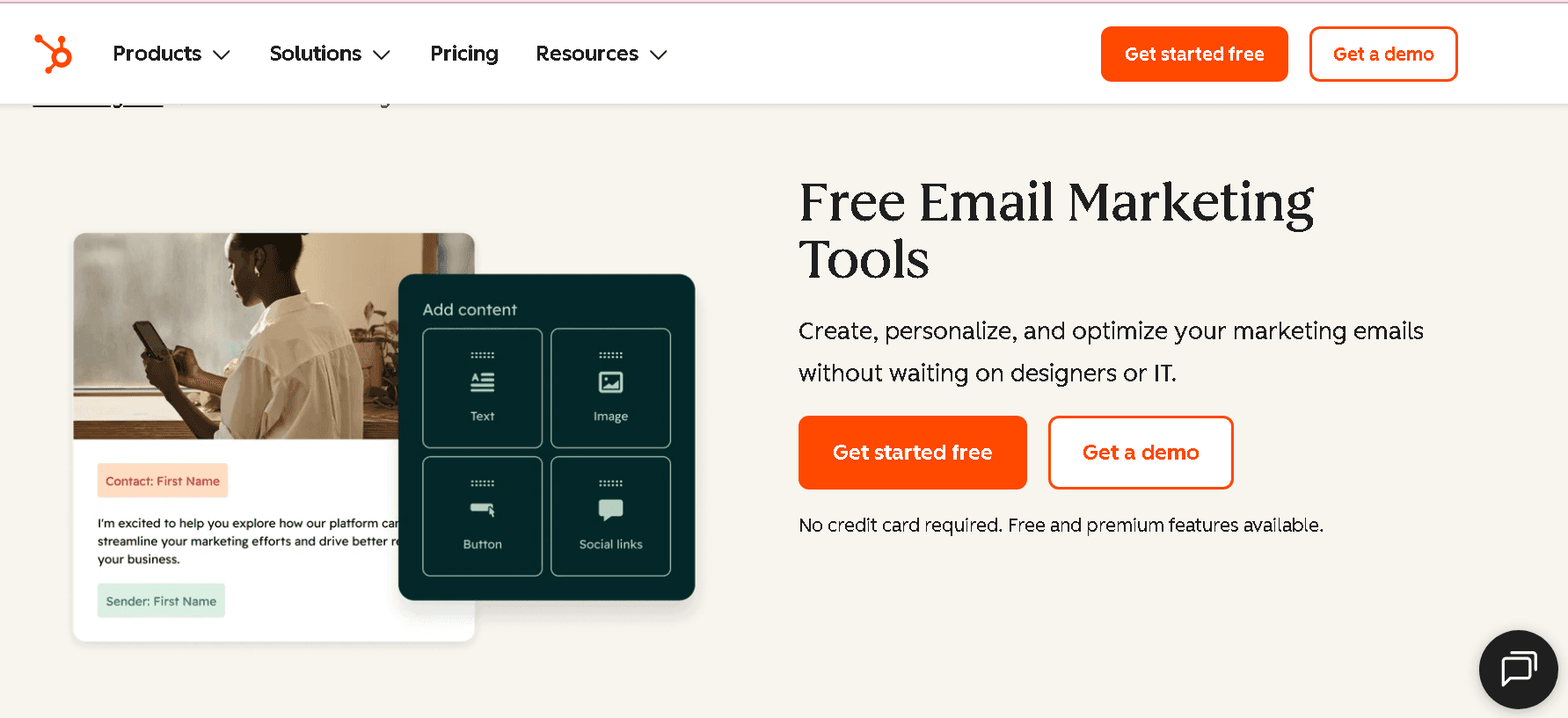
HubSpot Email Marketing operates as part of the Marketing Hub and combines email creation with CRM-powered personalization in a unified platform. The drag-and-drop editor received a complete rebuild in Spring 2026 and delivers faster performance with one of the more polished editing experiences in this category.
Personalization tokens pull CRM data that has contact names, company details, lifecycle stages and list memberships to serve relevant subject lines, links and CTAs. Smart content blocks display different versions based on contact properties, though this capability requires Professional tier access.
Core Features and Capabilities
The platform has AI Email Writer to generate subject lines and body copy through simple prompts, among other features like A/B testing built into Professional plans and above. Workflow automation triggers follow-up actions based on recipient engagement such as opens, bounces and clicks.
Marketing data shows segmented emails generate 30% more opens and 50% more click-throughs than unsegmented campaigns. Predictive send-time optimization analyzes individual engagement patterns to estimate optimal delivery windows. Authentication setup guides users through SPF, DKIM and DMARC configuration during onboarding.
Pros and Cons
Pros: Unified view of marketing, sales and service within one platform; guided authentication setup with dedicated IPs available; clean templates with mobile rendering; campaign management tool tracks results for all components.
Cons: Starter plan caps sends at 2,000 emails per month, insufficient for meaningful marketing programs; Smart Send Time requires Professional at $890 per month; no transactional email API on standard plans; inbox placement lags behind ActiveCampaign and Brevo on volume sending.
Pricing Overview
Plan | Monthly Cost | Contacts | Email Send Limit |
|---|---|---|---|
Starter | $20 | 1,000 | 5X contact tier |
Professional | $890 | 2,000 | 10X contacts |
Enterprise | $3,600 | 10,000 | 20X contacts |
Professional requires a $3,000 one-time onboarding fee. Annual subscriptions receive 10-25% discounts.
Best For
Mid to larger enterprise-level companies with complex sales cycles benefit most. B2B teams running content-led programs like newsletters, lead nurture sequences and event invites find the email tooling excellent. Organizations valuing unified visibility of customer interactions throughout marketing, sales and service operations extract maximum value.
Implementation Tips
The first 30 days should focus on foundational health by turning on opt-in processes, setting up email domains and cleaning legacy contacts. Publish a welcome series that provides communication expectations and brand introduction.
Create active lists in HubSpot to prevent outdated contacts from entering segments. Target deliverability metrics that have hard bounces below 0.25% and unsubscribes below 0.4%.
Klaviyo
Klaviyo was built exclusively for ecommerce businesses and centralizes customer data from online stores to power email and SMS campaigns with behavioral triggers and predictive analytics.
The platform pulls live purchase history, browsing patterns, and cart activity from 350+ integrated platforms that include Shopify, WooCommerce, and BigCommerce. Klaviyo serves 183K+ paying customers and reports a 228% average ROI based on 2023 Forrester data.
Key Features and Capabilities
Live data syncing feeds customer profiles with every store interaction, from product views to completed purchases. Dynamic segmentation builds audiences using purchase frequency, average order value, lifetime spend, engagement metrics, and predictive scores.
Pre-built automation flows handle welcome series, abandoned cart recovery, post-purchase sequences, and win-back campaigns without manual triggers. The platform combines email and SMS in unified workflows and automatically selects the optimal channel based on customer priorities.
Predictive analytics forecast next order dates, churn risk, and lifetime value to enable proactive targets. Revenue attribution calculates ROI for every campaign and flow on autopilot.
Pros and Cons
Pros: Deep ecommerce platform integrations provide clean data without custom development; dynamic segmentation uses unlimited conditions with AND/OR logic; 67% average ROI increase reported after the switch to Klaviyo; customers own all data that includes email lists and performance history.
Cons: Pricing reaches USD 1,500+ monthly for mid-size brands; steep learning curve for segmentation due to technical terminology; platform auto-upgrades billing tiers but never downgrades on its own; limited value for non-ecommerce businesses.
Pricing Overview
Contacts | Monthly Cost |
|---|---|
250 (Free) | USD 0 |
500 | USD 20-30 |
5,000 | USD 100-150 |
10,000 | USD 150-200 |
25,000 | USD 400-500 |
SMS pricing operates on credit-based system with costs that vary by country and message type. Free plan has 250 active profiles, 500 monthly email sends, and 150 SMS credits.
Best For
DTC brands that sell through Shopify, WooCommerce, or BigCommerce benefit most from native integrations and ecommerce-specific features. Businesses where repeat purchases drive revenue, particularly fashion and beauty sectors, extract maximum value.
Implementation Tips
Suppress unengaged profiles who haven’t opened or clicked in 120+ days to reduce billable contacts. Set up SPF, DKIM, and DMARC authentication during original configuration to protect deliverability.
Create highly segmented customer lists based on engagement levels and limit communication frequency for less active subscribers. Monitor billing tier manually after list cleanups since Klaviyo won’t auto-downgrade plans.
Braze
Braze serves enterprise brands that need sophisticated cross-channel orchestration rather than email-focused marketing automation. The platform unifies push notifications, email, SMS, in-app messages and WhatsApp into Canvas Flow, a visual journey builder where you trigger messages based on user behavior in the moment, set delays, add entry/exit rules and A/B test different paths.
Key Features and Capabilities
Segmentation in the moment targets users based on live events like product views without purchases or scroll depth rather than static attributes. Liquid templating personalizes subject lines, content blocks and CTAs using custom events and properties.
BrazeAI features include copywriting assistance, item recommendations, predictive events that identify future customer actions and intelligent timing that analyzes engagement patterns to determine optimal send windows.
The platform integrates with 140+ tools including CDPs, analytics platforms and cloud storage. Canvas Flow supports automated multi-step journeys in any channel from one interface. Braze sent 37 billion messages in 2023 with 21 million messages per minute during Black Friday peak.
Pros and Cons
Pros: Cross-channel capabilities spanning email, push and in-app messaging; behavioral targeting in the moment; trusted by enterprise brands in various industries; 140+ integrations.
Cons: No public pricing that requires sales demos; just needs dev resources for setup and maintenance; UI becomes difficult when managing complex campaigns; lacks built-in team collaboration tools.
Pricing Overview
Deployment Scale | Annual Cost | MAU Range |
|---|---|---|
Small-Mid Market | $30,000-$120,000 | 50K-500K MAUs |
Growth Stage | $120,000-$300,000 | 500K-2M MAUs |
Enterprise | $300,000-$1,000,000+ | 2M+ MAUs |
Pricing scales on monthly active users, message volume and feature tier rather than seat licenses. Hidden costs include MAU overages, SMS carrier fees, Braze Currents data streaming ($5,000-$20,000+ per year) and professional services ($10,000-$50,000+).
Best For
Mobile-first products like delivery apps or fintech tools benefit most. Teams with dedicated developers who manage complex multi-channel flows extract maximum value. B2C brands that prioritize event-based messaging in the moment over broadcast campaigns fit the platform’s strengths.
Implementation Tips
Use tag managers like Google Tag Manager or Segment for faster SDK updates without engineering resources. Enable SDK Authentication to control request validity and monitor traffic in the moment.
Arrange marketing and engineering teams early, establishing resource readiness before starting the 60-90 day integration timeline. Review the Braze Developer Guide to outline integration steps for each channel.
Customer.io
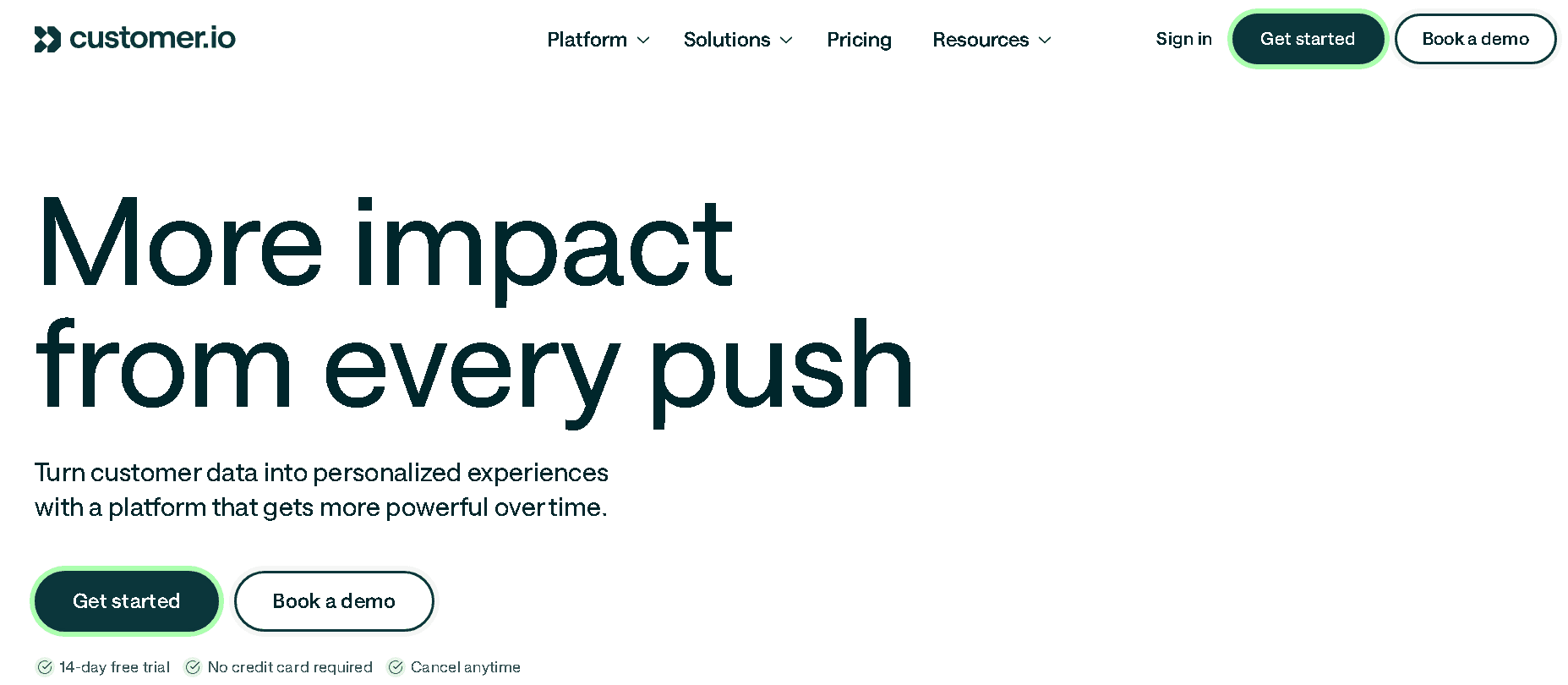
Customer.io operates on event-triggered architecture where messages dispatch based on user actions within your product rather than static lists. The platform unifies customer data, messaging and AI into one system serving 9,000+ brands.
Custom objects group audiences by relationships to business areas like Companies, Accounts or Appointments, enabling personalization beyond standard profile attributes.
Key Features and Capabilities
Visual workflow builder handles complex branching with conditions like “Wait until user activates feature X” rather than arbitrary delays. Multi-channel campaigns span email, push, in-app, SMS, WhatsApp, Slack and webhooks from unified workflows.
Liquid templating personalizes content using if/else logic and loops, plus math operations inside messages. Data Pipelines connect Snowflake and BigQuery, syncing computed traits like churn probability into profiles. Segmentation runs retroactively and calculates which users fit criteria based on historical data.
Pros and Cons
Pros: Flexible workflow builder, event-based triggers, data flexibility with JSON payloads, deliverability control.
Cons: Technical learning curve requiring API understanding, no native CRM features, reporting less accessible, profile-based pricing scales quickly[363].
Pricing Overview
Plan | Monthly Cost | Profiles | Key Features |
|---|---|---|---|
Essentials | $100 | 5,000 | 1M emails, 2 object types |
Premium | $1,000 | Custom | 10 object types, HIPAA compliance |
Enterprise | Custom | Custom | Dedicated infrastructure, CSM |
Best For
Product-led SaaS companies with technical marketing teams and clean event tracking benefit most. Series A/B companies with dev resources but not enterprise budgets fit the platform.
Implementation Tips
Expect 4-8 weeks to reach full maturity including IP warming, event mapping and workflow replication. Engineering needs 3-5 days for API configuration and domain authentication during the setup phase.
Mailchimp
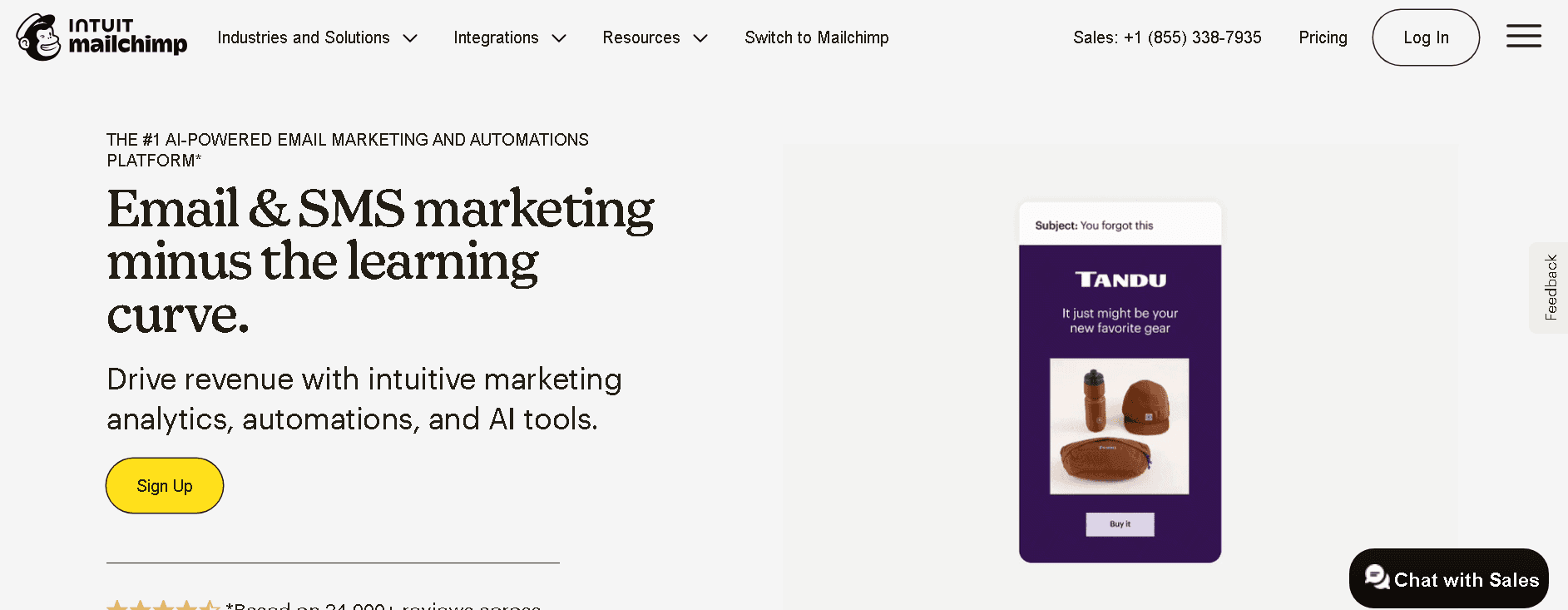
Mailchimp remains one of the most recognized names in email marketing, attracting over 14,000 daily signups. The platform combines a drag-and-drop email builder with Marketing Automation Flows (rebranded from Customer Journey Builder in 2025) that trigger tailored sequences based on customer interactions.
Templates number 260+ with the new builder, while dynamic content blocks customize messages for different segments without manual duplication.
Key Features and Capabilities
The platform offers audience segmentation using behavioral targeting and engagement data. AI-powered content generation creates subject lines and email copy. Predictive segmentation estimates future buying behavior.
Shopify, WooCommerce, and Salesforce are among 300+ app integrations. Landing pages, digital ads, and social post scheduling extend beyond email. Merge tags pull contact data like names and locations into campaigns automatically.
Pros and Cons
Pros: Beginner-friendly interface with wizard-based setup; detailed analytics tracking opens, clicks, and conversions; 300+ integrations; multiple channel management from one dashboard.
Cons: Free plan now limited to 500 contacts and 1,000 monthly sends; charges for unsubscribed and cleaned contacts; Standard plan costs USD 100/month for 5,000 contacts; phone support only on Premium tier starting at USD 350/month; automation restricted on lower tiers.
Pricing Overview
Contacts | Free | Essentials | Standard | Premium |
|---|---|---|---|---|
500 | USD 0 | USD 13 | USD 20 | - |
5,000 | - | USD 75 | USD 100 | - |
10,000 | - | USD 110 | USD 135 | USD 350 |
Best For
Small businesses starting email marketing without technical complexity benefit most. Companies needing all-in-one solutions with forms, landing pages, and social scheduling find value here.
Implementation Tips
Complete domain authentication (SPF, DKIM, DMARC) during setup. Archive unsubscribed contacts regularly since they count toward billing limits. Start with pre-built automation templates for welcome series and abandoned carts. Every email should provide value rather than promotional messaging.
Salesforce Marketing Cloud
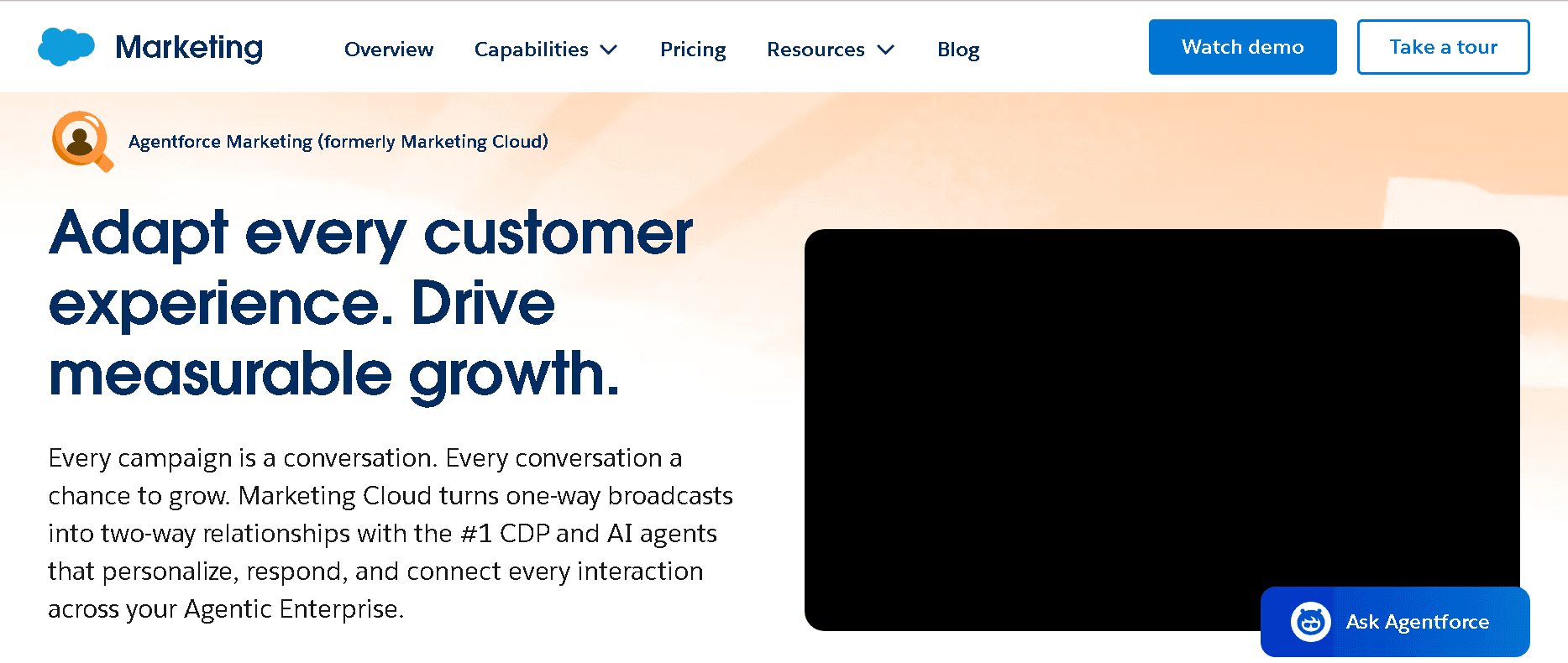
Salesforce Marketing Cloud builds on the company’s CRM infrastructure to deliver email personalization through integrated sales, service and marketing data. The platform connects customer information across departments and creates unified profiles that power hyper-focused email campaigns. Journey Builder coordinates multi-step automated sequences triggered by customer actions like newsletter signups or purchases.
Key Features and Capabilities
Dynamic content blocks change email sections based on recipient attributes using AMPscript rules. Data Extensions store customer information in flexible formats and enable precise targeting beyond basic demographics.
Einstein Recommendations predict customer priorities using historical interactions. The platform manages email frequency through Preference Centers where subscribers control communication cadence.
Email Studio handles campaign creation, A/B testing and deliverability tracking with sender authentication. Integration with Salesforce CRM provides complete visibility across marketing, sales and service touchpoints.
Pros and Cons
Pros: Unified CRM data in business functions of all types; sophisticated Journey Builder for complex automation; Einstein AI for predictive personalization; dedicated IP addresses available; resilient tracking and reporting.
Cons: Complex setup that requires technical resources; steep learning curve for new users; expensive compared to standalone email tools; mobile app functionality lags desktop interface.
Pricing Overview
Edition | Monthly Cost | Key Features |
|---|---|---|
Growth | Multi-channel journeys, Agentforce campaigns | |
Advanced | USD 3,250 | AI scoring, path experimentation, unified SMS |
Engagement Professional | USD 1,250 | Plan |
Best For
Enterprise businesses with existing Salesforce deployments benefit most. B2C companies that manage complex customer lifecycles in multiple channels extract maximum value. Organizations that prioritize unified customer data across marketing, sales and service operations fit naturally.
Implementation Tips
Define clear business goals before starting, whether increasing engagement or managing multi-channel campaigns. Conduct data audits to eliminate duplicates and organize information into segments.
Allow 60-90 days for full implementation including business unit configuration, FTP setup and Marketing Cloud Connect integration. Train teams using Trailhead’s free courses broken into 10-40 minute modules.
Brevo
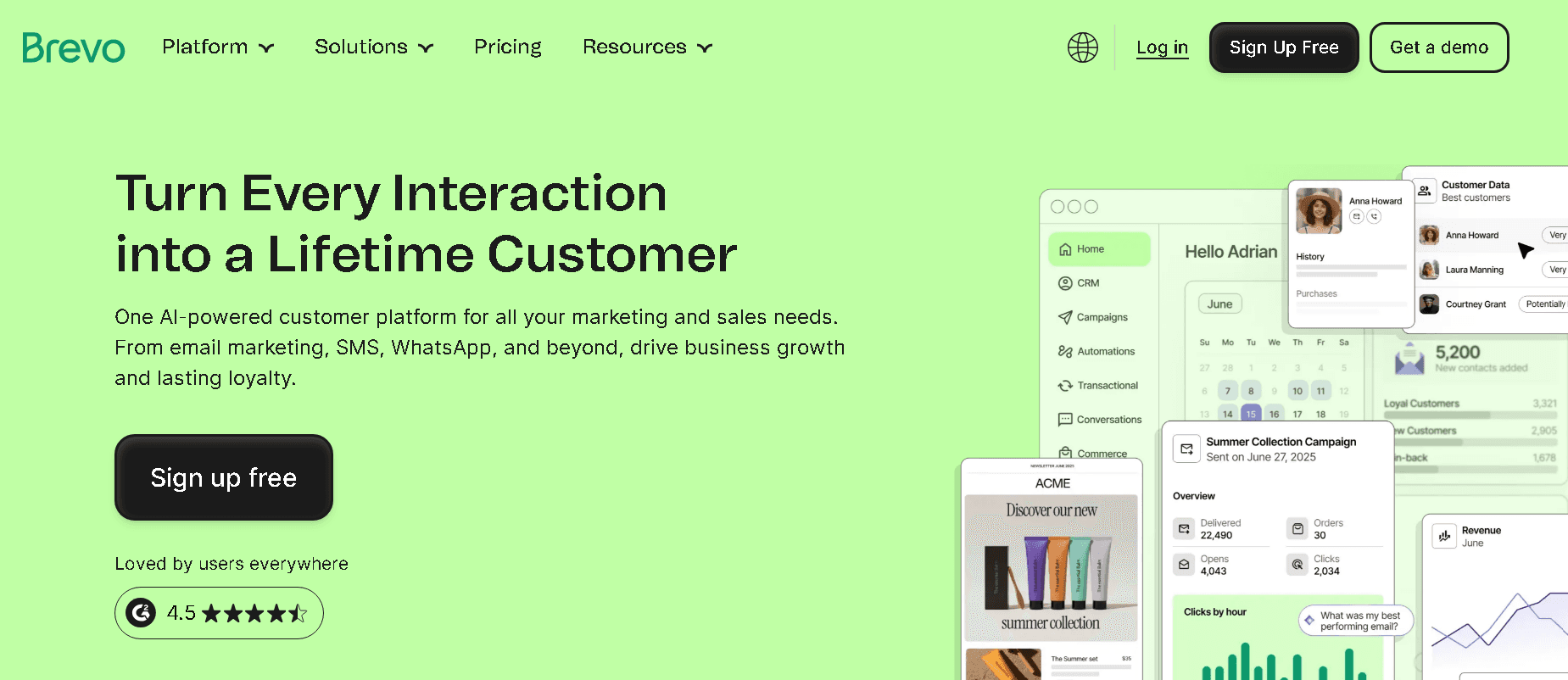
Formerly known as Sendinblue, Brevo distinguishes itself through email volume-based pricing rather than charging per contact. This makes the platform very affordable for businesses building large subscriber lists. The free plan allows 300 daily emails with unlimited contact storage up to 100,000.
Key Features and Capabilities
Brevo combines email marketing with SMS, WhatsApp campaigns and a sales CRM in one interface. The Aura AI agent creates email copy and provides plain-language data analysis. It also picks the best send times based on individual engagement patterns. Marketing automation workflows trigger based on website behavior, purchase activity and email engagement. Advanced segmentation filters contacts using demographics, campaign interactions and custom events. The platform connects with 150+ tools including Shopify and WordPress.
Pros and Cons
Pros: Very affordable starting at USD 9.00 monthly; free CRM included on all plans; generous contact limits without price spikes; transactional email API included.
Cons: Landing pages only come with Standard tier; multi-user access requires Professional plan starting at USD 499.00; template selection smaller than competitors with 48 designs.
Pricing Overview
Plan | Monthly Cost | Email Volume | Key Features |
|---|---|---|---|
Free | USD 0 | 300/day | By default, all plans include free sales features to help you manage leads and customer relationships: |
Starter | USD 9.00 | 5,000 | Remove branding, email support |
Standard | USD 18.00 | 5,000+ | Choose from five flexible plans, each built to support different goals from simple email campaigns to advanced, data-driven marketing at scale: ## 🆓 Free |
Professional | USD 499.00 | 150,000+ | WhatsApp, contact scoring, 10 seats |
Best For
Small businesses needing multi-channel marketing without separate tool subscriptions benefit most. Ecommerce stores using Shopify or WooCommerce extract maximum value through native integrations.
Implementation Tips
Authenticate domains (SPF, DKIM, DMARC) during setup to protect deliverability. Suppress contacts inactive for 120+ days to keep sending costs down. Start with pre-built automation templates for welcome series before building custom workflows.
Ortto
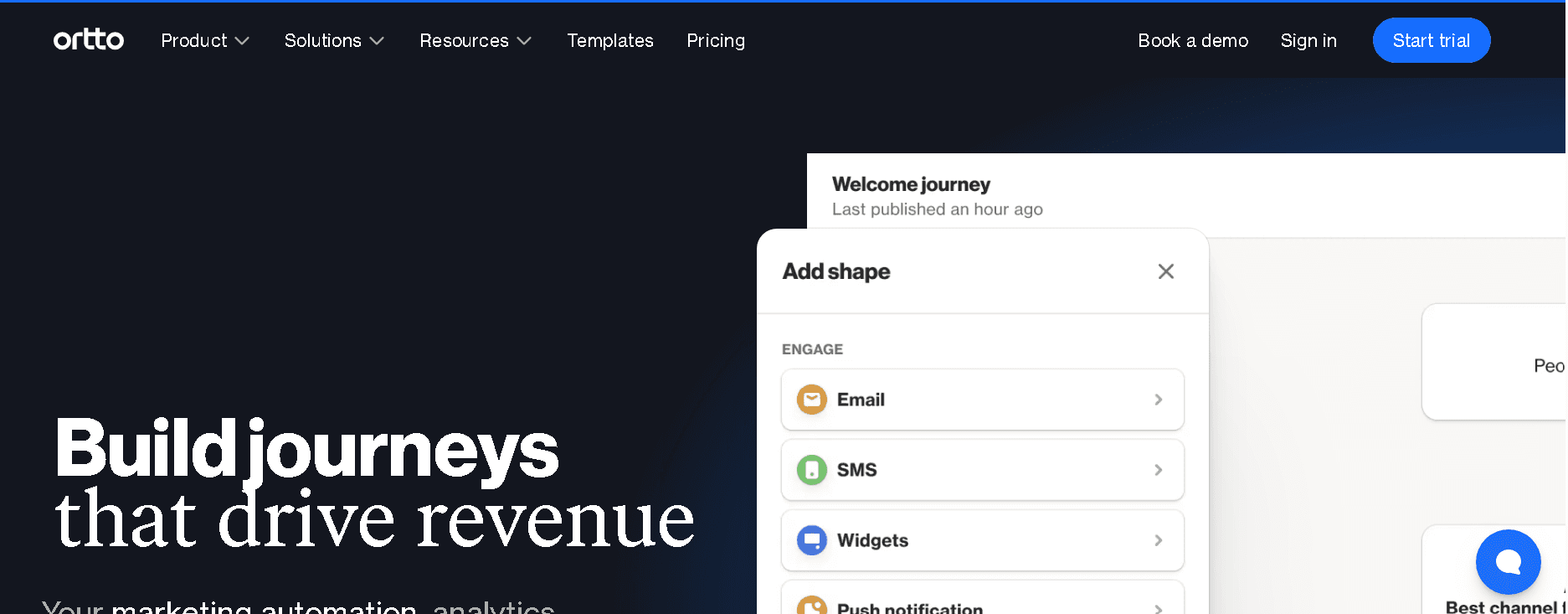
Ortto unifies marketing automation with a built-in customer data platform and eliminates the need to connect separate tools for data management and campaign execution. The platform handles email, SMS, push notifications, in-app messages, and forms from its visual journey builder where you coordinate multi-channel sequences without coding.
Rated 4.4/5 on G2, 4.6/5 on Capterra, and 8.8/10 on TrustRadius, Ortto serves businesses from startups to enterprise with its adaptable infrastructure.
Key Features and Capabilities
The integrated CDP connects customer data through no-code integrations and syncs demographic and event-based information into personalized campaigns in real time.
Dynamic content widgets pull browsing history and past purchases into emails automatically. AI-powered features generate subject line suggestions, predict open rates before sending, and optimize content recommendations.
Journey builder has precise delay controls, version control, and transactional email capabilities. Security compliance spans GDPR, ISO 27001, HIPAA, and SOC2 with multi-region data hosting across EU, USA, and Australia.
Pros and Cons
Pros: Easy to learn with accessible interface, uninterrupted CRM and website integration, complete features available right away, no coding required for complex automations. Pattern achieved 64.7% open rates using Ortto’s journey automation.
Cons: Professional plan requires USD 599.00 monthly for 10,000 contacts, steep investment for early-stage companies, limited value without substantial contact volumes.
Pricing Overview
Plan | Monthly Cost | Contacts | Key Features |
|---|---|---|---|
Starter | USD 169.00 | - | Visual journey builder, A/B testing, support |
Professional | USD 509.00 | - | AI suggestions, advanced analytics, SSO |
Enterprise | Custom | - | Dedicated support, custom IPs, deliverability audits |
Best For
SaaS companies running product-led growth strategies and B2B organizations with long sales cycles benefit most from Ortto’s Salesforce integration capabilities. Businesses that prioritize unified customer data across marketing and product teams extract maximum value.
Implementation Tips
Connect relevant tools like payment platforms and customer support systems during setup to build complete customer journey visibility. Invite team members early and schedule training sessions using Ortto’s video demos and self-training assets. Enable custom activities to trigger personalized communications based on CRM events.
Insider One
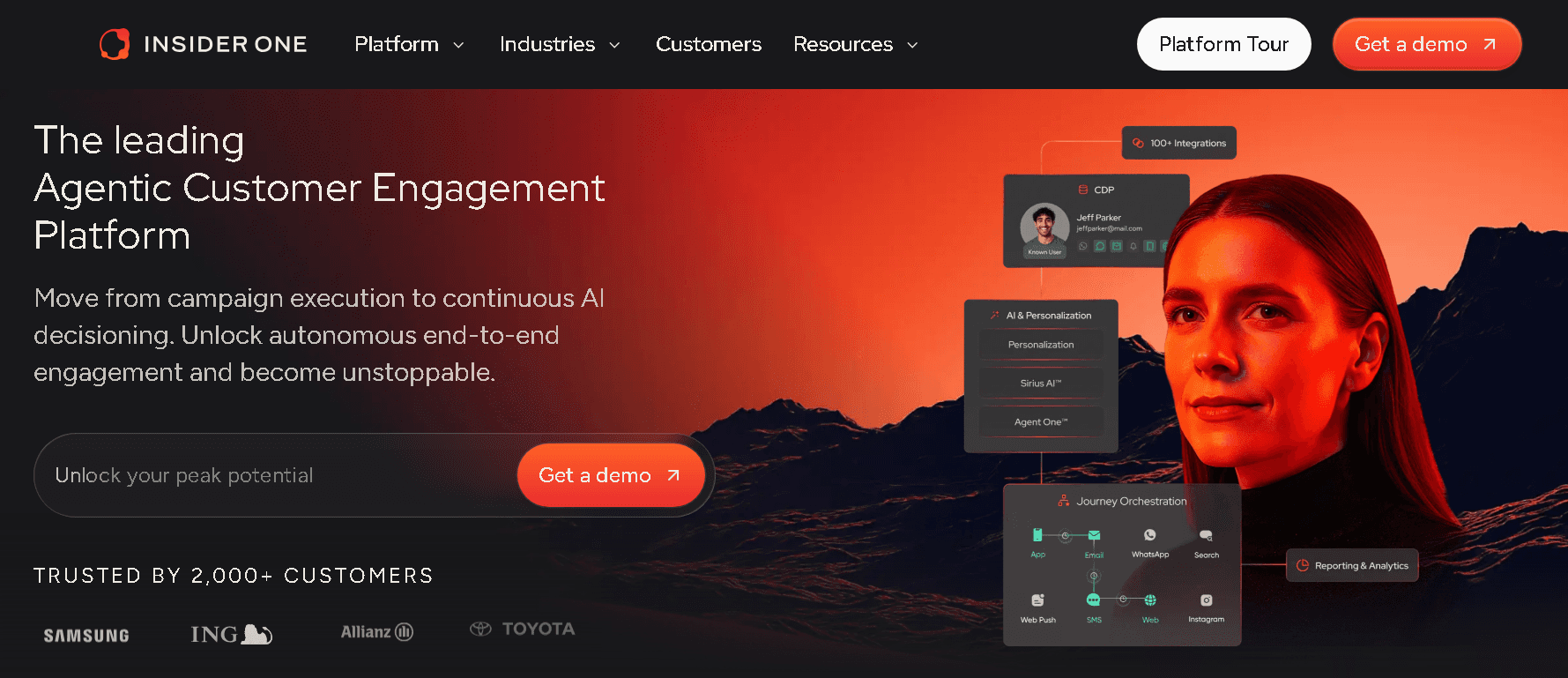
Insider One brings AI-powered customer engagement through email, WhatsApp, SMS, Web, App, and Site Search on a unified platform. The platform serves 2,000+ brands globally. It ranks as the #8 Best Software Product worldwide and holds the #1 position in 235 out of 410 G2 reports. This places it in the top 0.7% of 150,000+ companies listed.
Key Features and Capabilities
The integrated CDP unifies customer profiles in real time at touchpoints of all types. Agent One, the agentic AI layer, autonomously adjusts audience segments and journey branches as customer signals evolve.
Smart Recommender builds attribute affinity profiles that track brand preference, color affinity, and price sensitivity with daily updates. The Template Store provides 100+ pre-built email templates. Architect canvas arranges journeys through multiple channels and triggers contextual messages based on user behavior.
Pros and Cons
Pros | Cons |
|---|---|
Excellent customer success support | Steep learning curve for advanced functionalities |
Clear reporting for digital marketers | Attention to detail with errors and bugs |
355+ G2 badges in categories of all types | Documentation could improve for complex use cases |
Pricing Overview
Custom enterprise pricing based on business size and feature requirements.
Best For
Enterprise brands in 15 industries of all types that need omnichannel personalization with AI capabilities.
Implementation Tips
Structured training tailored to specific use cases is what you can expect. Clean CRM data maximizes value since the platform amplifies existing information.
How to Choose the Right Email Personalization Software for Your Business?
Surprisingly few businesses execute email personalization the right way. Salesforce reports that only 5% of companies personalize extensively. This gap presents a chance if you select email personalization software that fits your specific requirements.
No perfect tool exists. Your email personalization software needs to match your unique business model. Review automation capabilities first. Platforms with advanced workflow builders, behavioral triggers, and AI-driven automation scale with complex marketing operations. Trigger emails achieve 152% higher open rates compared with traditional emails. This makes automation depth the main thing to think about.
The personalization engine matters by a lot. Look beyond simple merge tags to platforms that offer dynamic content blocks, image personalization, and URL customization reflecting user-specific parameters. Tools like Rox demonstrate this approach through AI agents that research prospects and generate contextual messages on their own.
Conclusion
Not all of these platforms will fit your specific requirements, and that’s acceptable. The 10 tools I’ve analyzed serve distinct purposes, from enterprise-grade cross-channel orchestration to beginner-friendly automation. Matching capabilities to your business model and technical resources matters most.
Only 5% of companies execute extensive personalization. You have a most important competitive advantage waiting. Start by defining your automation needs and integration requirements, then review which platform fits your growth trajectory. You’ll turn generic broadcasts into revenue-driving conversations.
Ready to test AI-powered personalization? Rox offers a free Starter tier that lets you explore autonomous email research and outreach without commitment.
FAQ
How can I personalize my email?
Personalization starts with audience segmentation based on demographics, purchase history and engagement priorities. Automation triggers behavioral follow-ups after specific actions like cart abandonment or content downloads. Dynamic content blocks display different messaging to different segments within the same campaign.
You can personalize body content to reflect subscriber priorities and past interactions beyond just inserting names. Birthday emails, product recommendations and re-engagement campaigns strengthen customer relationships when you automate them well.
Can ChatGPT organize my email?
Yes. ChatGPT categorizes emails by sender or topic, prioritizes messages based on learned importance patterns and removes junk to declutter your inbox. Tools powered by ChatGPT create reminders and to-do lists from email content that prevent missed deadlines.
You can connect ChatGPT to Gmail for read-only access where it reviews threads, summarizes conversations and drafts replies you review before sending. The AI handles predictable communications like meeting scheduling and project follow-ups. You focus on messages that require judgment.
Which Is the Best Software to Personalize Emails?
No single platform wins for everyone. Klaviyo delivers 228% average ROI for ecommerce businesses with deep platform integrations. Braze excels at cross-channel orchestration for mobile-first products. Rox cuts prep time by 90% using autonomous AI agents.
Mailchimp serves small businesses starting email marketing with easy-to-use interfaces. Match your choice to business model, technical resources and budget rather than chasing popular names.
Similar Articles
We build with the best to make sure we exceed the highest standards and deliver real value.


Get started today
See how the Rox agent can put your pipeline generation, deal management, and account expansion on autopilot.